TradeZella alternative: what Quanify records today
Quanify is an execution platform with a journal built in. It places and copies your trades, shows live P&L across accounts, and gives you a Trading Journal where you log trades and review your statistics.
Quanify and TradeZella cover different jobs
Quanify's column is the live product. TradeZella's answers are its own; check its current site.
| Quanify | Ask TradeZella | |
|---|---|---|
| Places trades on your broker | Tradovate, from Quanify's servers | Does it place orders? |
| Copies one account to others | Copy Trader; pricing coming soon | Does it copy trades? |
| Live P&L across accounts | ✓ | Is P&L live or imported? |
| Fill alerts | Chime and on-screen toast | Does it alert on fills? |
| Trade journal | Included on every plan; trades logged by hand | What does its journal record? |
| Import past history | — | Which brokers can it import from? |
| Strategy track records | Published strategies: backtest and live forward record | Does it track strategies? |
This page doesn't describe TradeZella's product. Many traders run a journal beside an execution tool.
What you see while you trade
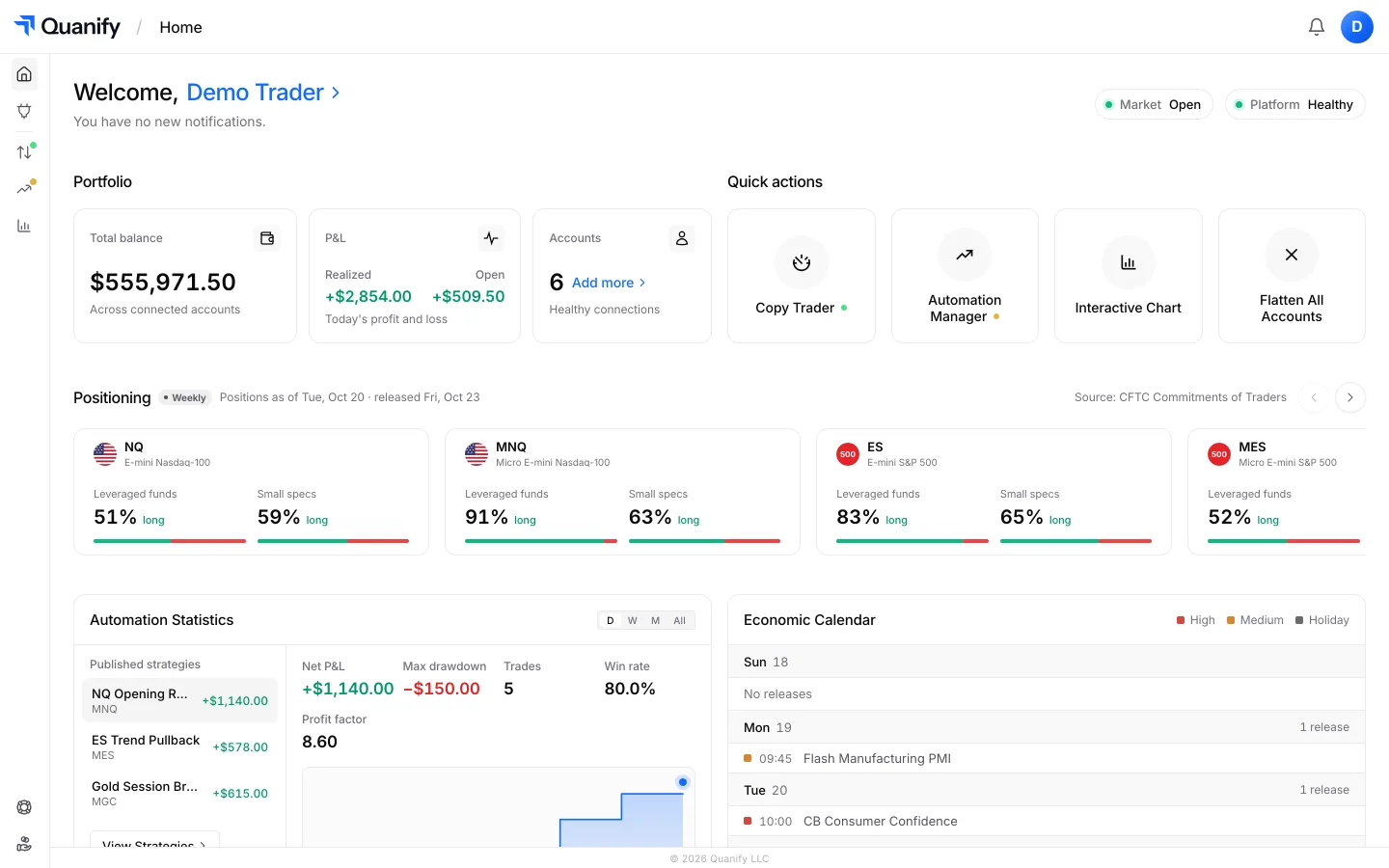
Every connected Tradovate account reports into one workspace: open positions, live P&L and a chime with an on-screen toast on every fill. There's nothing to import, because Quanify is connected to the account that filled.
- Live P&L across connected accounts
- A fill alert on every fill, in the workspace
- Privacy mode masks account names and balances
What sits beside the journal
- Copy Trader
- Trade one leader by hand; followers fill at their own whole-number multiplier.
- Automation
- Your TradingView or webhook strategies placed on your Tradovate accounts, sized per account.
- Forward records
- Published strategies show backtest and live forward Sharpe, Sortino, win rate and max drawdown.
- Paper accounts
- Test copying or a strategy on a Quanify Paper account before live money.
What Quanify doesn't do
The journal doesn't import past history or fill itself from your broker yet: you log each trade, and automatic import is next. Tags, export and playbooks aren't built.
Journal statistics come from the trades you log, so they are as complete as your logging. Published Quanify strategies carry their own backtest and forward record.
PricingCommon questions
Short answers to what traders ask first. Anything else, the Help Center has it.
Does the journal work if I trade manually?
Yes, it is built for that: log each trade with its executions and Quanify works out the result, win rate, drawdown and the rest. Trades on a Copy Trader leader account also show in live profit and loss and fill alerts, and copy to your followers.
Can I import my existing trade history?
Not yet. Trades are added by hand today; importing history and fills from connected accounts is planned.
Are the analytics included or an add-on?
Included. The Trading Journal and its reports come with every plan, alongside live profit and loss and fill alerts. Published strategies on Automation plans show their own Sharpe, Sortino, win rate and max drawdown.
What metrics are withheld on thin data?
The journal computes your statistics from the first closed trade, so check how many trades sit behind a figure before trusting it. Published Quanify strategies show Sharpe, Sortino, win rate and max drawdown from their backtest and live forward record; read the number of trades behind a ratio before trusting it.
More on alternatives
Keep your setup in reach.
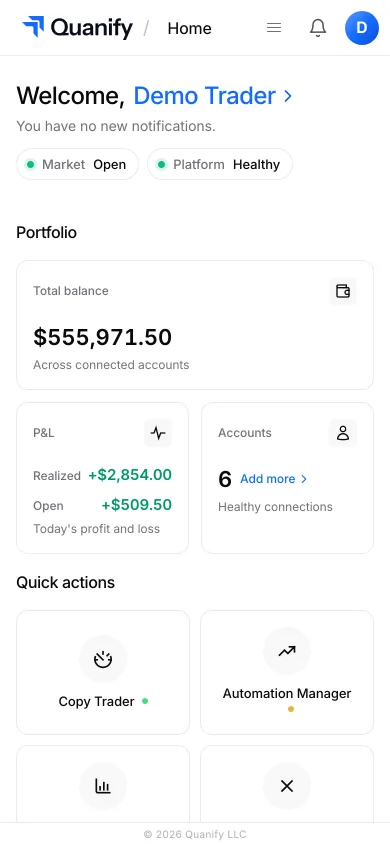
Check PnL, account status, and your connected setup from desktop or mobile, wherever you are.
The all-in-one trading platform for futures.
Copy trading, automation, risk limits and the journal, under one sign-in.