


Blog
Product notes, trading workflows and updates from the team.
Discover moreSupport
SupportHelp center, guides and a direct line to us.Keep the futures brokers and platforms
you know. Quanify brings your setup together.
See the brokers and trading platforms that connect with Quanify, and how each one fits into your trading workflow.
A simulated account filled from the live feed at real prices. Route any trader to it, test a strategy with no broker attached, and keep every fill on the account's record.
Try it outMore info
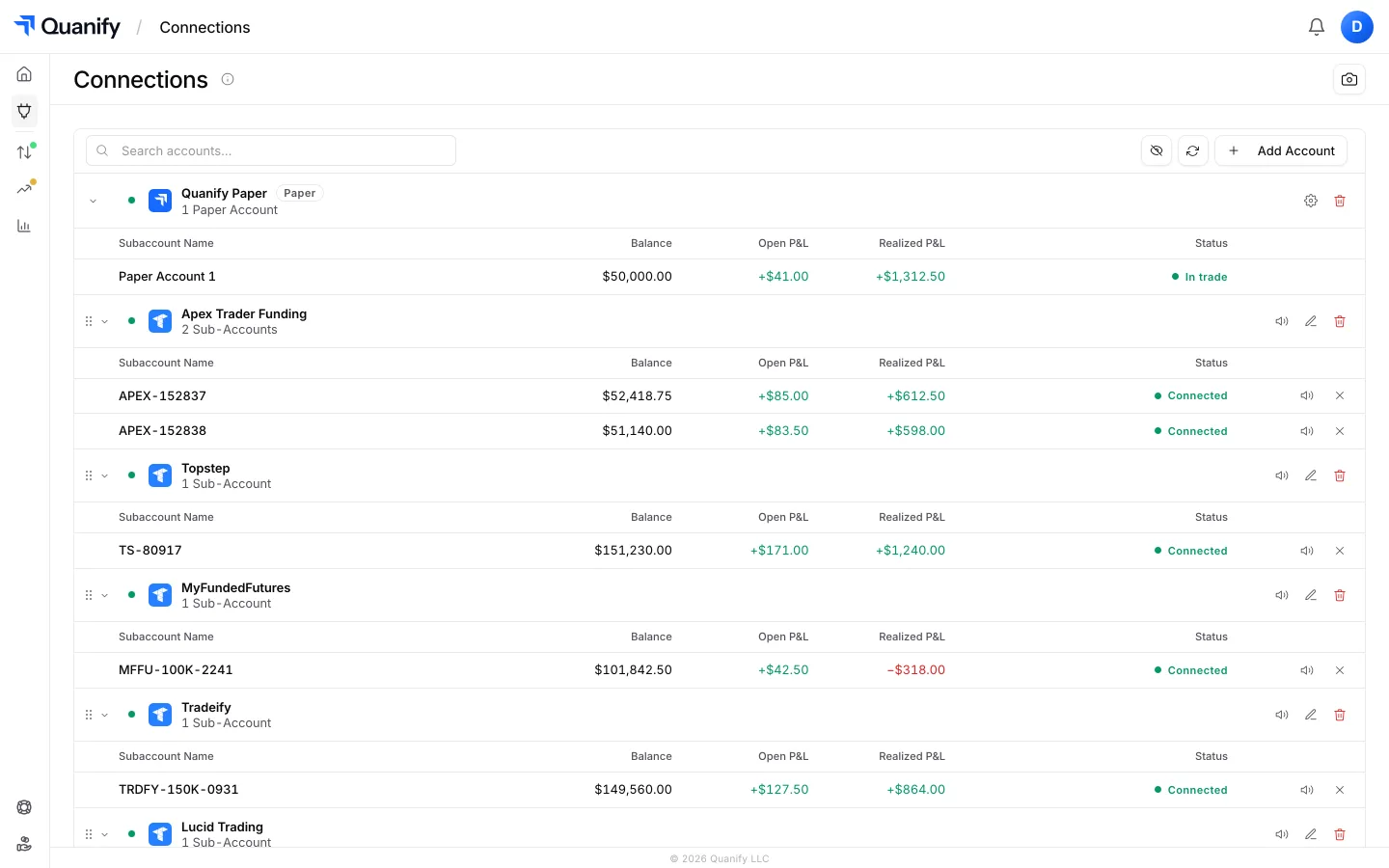
The futures broker behind most prop firm accounts. Connect each account with OAuth; Quanify copies, automates and tracks them under one sign-in.
Topstep’s ProjectX platform. Connect with your username and API key; the account follows your leader with market orders.
A paper account with real fills from the live feed. Test a trader or a strategy at live prices before a funded account is armed.
Keep charting in TradingView. Alerts post to your Quanify webhook and the engine places the order on every connected account.
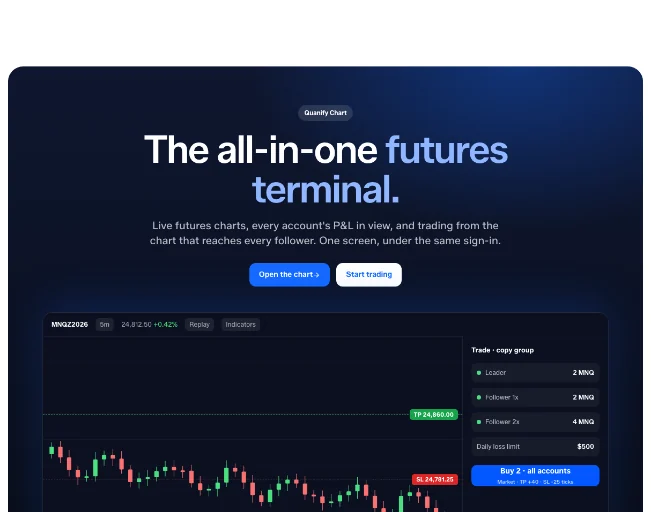
Live futures charts under the same sign-in, with every account’s P&L beside the chart and replay for the session.
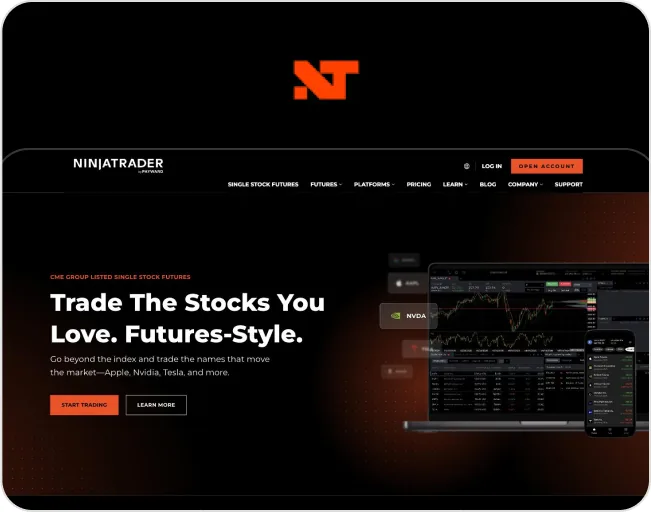
A direct NinjaTrader connection is on the roadmap. Tell us how you trade it and we will prioritise by demand.
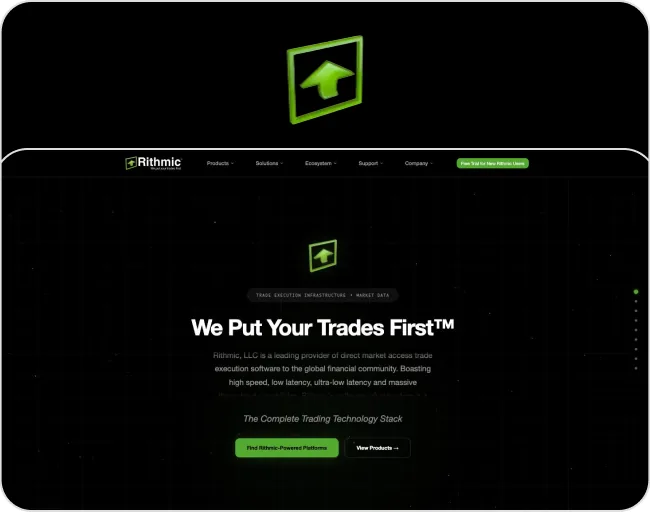
Rithmic-cleared accounts are on the roadmap. Not available today; request it below if your firm routes through Rithmic.
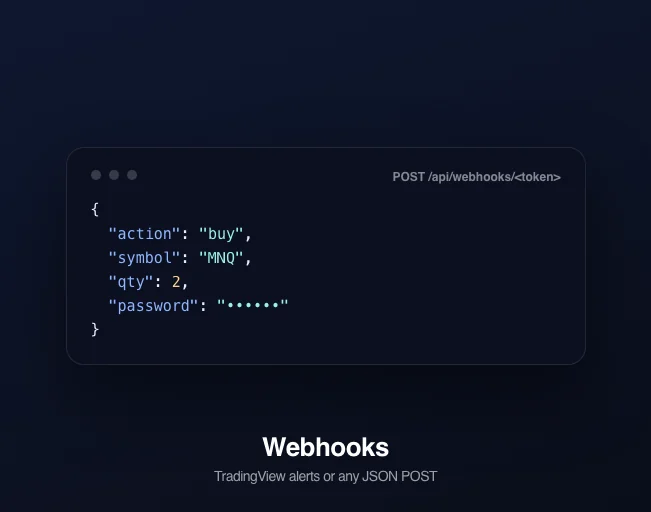
Any system that can POST JSON can drive a Quanify strategy: TradingView alerts, Python, or your own tooling, routed to every account the trader is armed on.

Link your Discord for the daily performance report, member roles and the community behind the published strategies.
Quanify connects your accounts across supported platforms, so you can keep trading the way you already do.
Trade from the platforms and charts you already use, without rebuilding your workflow.
Bring your broker accounts, paper accounts and charts into the same setup.
Once your accounts are connected, the same setup runs copying, automation, risk limits and the journal.

Request an integration. Tell us whether you need it for leader accounts, follower accounts, or both.
Request an IntegrationSame platform, tuned to the stage you're actually in.
Blog
Product notes, trading workflows and updates from the team.
Discover more
Pricing
Every plan includes the copier, risk limits, paper accounts and the chart.
Discover more
Evaluation Traders
Run one setup across every evaluation, sized per account.
Discover more
Mobile
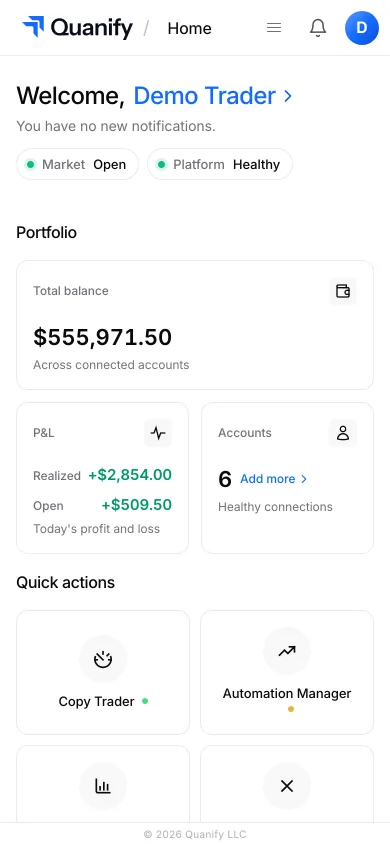
Your workspace in the phone’s browser. Copying keeps running in the cloud.
Discover more
Quanify Chart
Live futures charts with every account’s P&L in view.
Discover more
Help Center
Guides, the FAQ and the support form, all in one place.
Discover moreReviews open with the public release.


Review coming soon.
Review coming soon.
Review coming soon.
Everything you need to know about connecting your brokers and platforms.
Read moreTradovate today, with TopstepX (ProjectX) coming soon, plus Quanify Paper accounts that need no broker at all. You keep charting where you already do: TradingView alerts route through your webhook, or trade from Quanify Chart.
No. TradingView stays your chart: an alert posts to your Quanify webhook and the engine places the order on every connected account. A direct NinjaTrader connection is on the roadmap.
A simulated account that fills from the live feed at real prices. Route a trader or a strategy to it, watch the fills land on the account, and arm a funded account only once you trust the setup. It never touches a broker.
Use the support form on the Help page with the platform you use and how you want to copy your trades. Trader demand decides which integration ships next.
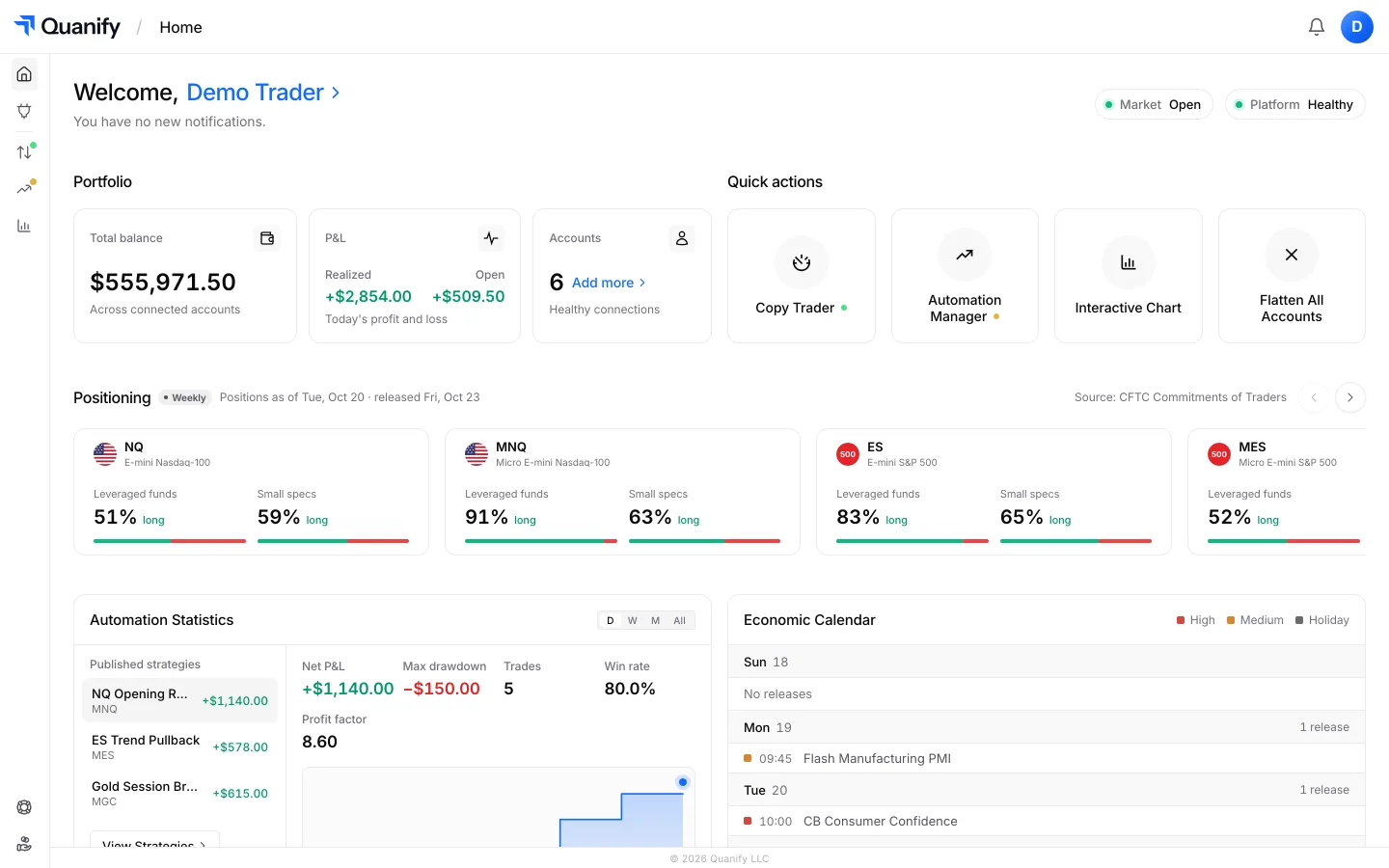
Monitor P&L, account status, and every prop firm connection from desktop or mobile, wherever you are.
Keep your charts and connect the accounts you already trade.