TradingView webhook JSON: the alert message, field by field
A TradingView webhook is a URL plus a message body. Get the body right and the alert becomes an order on every linked account. Here is every field Quanify reads, what fills it, and how to test it before it matters.
The alert message
Paste the webhook URL under the alert's Notifications and this into the message box. The Webhook Setup panel on each strategy writes it for you: a fixed contract size replaces the contracts placeholder, and a webhook password adds a password line.
- TradingView fills the double-brace values when the alert fires
- From your own code, put real values in their place
POST https://trade.quanify.pro/api/webhooks/<your-token>

{
  "action": "{{strategy.order.action}}",
  "ticker": "{{ticker}}",
  "contracts": "{{strategy.order.contracts}}",
  "price": "{{strategy.order.price}}",
  "market_position": "{{strategy.market_position}}",
  "time": "{{timenow}}"
}
Every field the receiver reads
Anything else in the body is ignored, so other variables can ride along.
action- Required.
buyorsell, from{{strategy.order.action}} ticker- Required, from
{{ticker}};symbolis accepted too. Resolved to the tradeable contract, so you don't track rollover market_position- Required.
long,shortorflatafter this order, from{{strategy.market_position}}; must agree with the action contracts- Order size before multipliers, a whole number above 0, from
{{strategy.order.contracts}}; aliasqty. Not needed when flat; ignored with a fixed contract size market_position_size- Optional, from
{{strategy.market_position_size}}. The size held afterwards; the order becomes the difference, which makes partial exits and flips exact price- Optional, from
{{strategy.order.price}}. Recorded with the signal time- Optional, from
{{timenow}}. Lets the engine log how long the alert took to arrive password- Only when the strategy has a webhook password
Why market_position is required
A buy can mean three things: open a long, add to a long, or cover a short and go long. The action alone can't tell them apart. market_position says where the strategy ends up, so the engine knows a flip from a scale-in, and an exit to flat needs no contract count at all.
Strategy placeholders only fill on a strategy alert. On an indicator alert or an alert() condition, {{strategy.order.action}} arrives as literal text and the signal is refused. Write buy, long and a size into that alert's message by hand instead.
How the alert becomes a size on each account
The contract count comes from the alert, unless the strategy has a fixed contract size, which overrides it. Each linked account then applies its own whole-number multiplier, so one alert can trade 2 contracts on one account and 6 on another.
Before an order goes out, each account is checked: is it powered on, is the trader armed, is the account muted, and would this add to a position while Allow 2+ entries is off. Exits always pass that guard. A signal older than 30 seconds is refused instead of filled late.
Valid JSON mistakes that refuse an alert
A body that doesn't parse answers 400 with bad json, and nothing trades.
- Curly quotes
- Notes apps and chat swap straight quotes for curly ones. JSON only accepts straight double quotes.
- Trailing commas
- A comma after the last field breaks the body. So does a missing comma between two fields.
- Unquoted placeholders
- Wrap every placeholder in quotes. Contracts and price can arrive as a string or a number, so quoting is always safe.
- Comments or two objects
- JSON has no comments, and the message must be one object. Delete notes and stray text around it.
- Password mismatch
- A password must match the strategy's exactly. Sending one to a strategy that has none answers 401 too.
- Size that isn't whole
- contracts must be an integer above 0. A fractional size is refused with the reason in the response.
Test payloads you can send by hand
Point a strategy at a demo account, power it on, and send these from a terminal before you trust a live alert. The first opens a one-lot long, the second exits it. Watch the account's row in Connections and the position on Home.
- Replace the token with your strategy's
- Add a password field if the strategy has one
curl -X POST https://trade.quanify.pro/api/webhooks/<your-token> \
  -d '{"action":"buy","ticker":"MNQ1!","contracts":"1","market_position":"long"}'

curl -X POST https://trade.quanify.pro/api/webhooks/<your-token> \
  -d '{"action":"sell","ticker":"MNQ1!","market_position":"flat"}'
What TradingView logs back
TradingView records the response to every webhook. A 200 means accepted: queued counts accounts the order went to, skipped counts accounts a per-account check held back, and eligible_accounts of 0 means the signal was recorded with no enabled account to take it. That stays a 200 on purpose, because errors there make TradingView mark the alert failed and eventually throttle it.
- Whether it filled is for Home and the fill alerts
- Every refusal shows its reason in the workspace
{"ok":true,"queued":2,"skipped":0,"dropped":0,"eligible_accounts":2}

{"ok":true,"queued":0,"skipped":0,"dropped":0,"eligible_accounts":0,
 "detail":"signal recorded; no enabled linked accounts"}
Error responses
- 400
- bad json, or a missing or mismatched field, with the reason
- 401
- Wrong or unexpected password
- 403
- strategy disabled: power it on in the Strategy Library
- 404
- Unknown token in the URL
- 429
- Rate limited, or the daily signal cap reached
- 503
- The engine couldn't take the order for any eligible account; worth a retry
Common questions
Short answers to what traders ask first. Anything else, the Help Center has it.
Does TradingView need to send application/json?
No. TradingView sends text/plain when it can't parse the message, and the receiver doesn't check the content type, so an alert works as written.
Should numbers be quoted?
Either works for contracts, price and market_position_size. Quoting every placeholder is the safe habit, because an unfilled placeholder left unquoted breaks the JSON.
What ticker should I send?
TradingView's {{ticker}}, including a continuous symbol like MNQ1!. Quanify resolves it to the tradeable contract, so the alert doesn't change at rollover.
What happens if the same alert arrives twice?
An identical signal inside two seconds is treated as a duplicate delivery and isn't routed again.
Does a webhook alert need a paid TradingView plan?
Yes. Webhook notifications need a paid TradingView plan.
Can I add my own fields to the message?
Yes. Fields the receiver doesn't read are ignored, so a note or extra variable can ride along.
More on automation
Keep your setup in reach.
Check PnL, account status, and your connected setup from desktop or mobile, wherever you are.
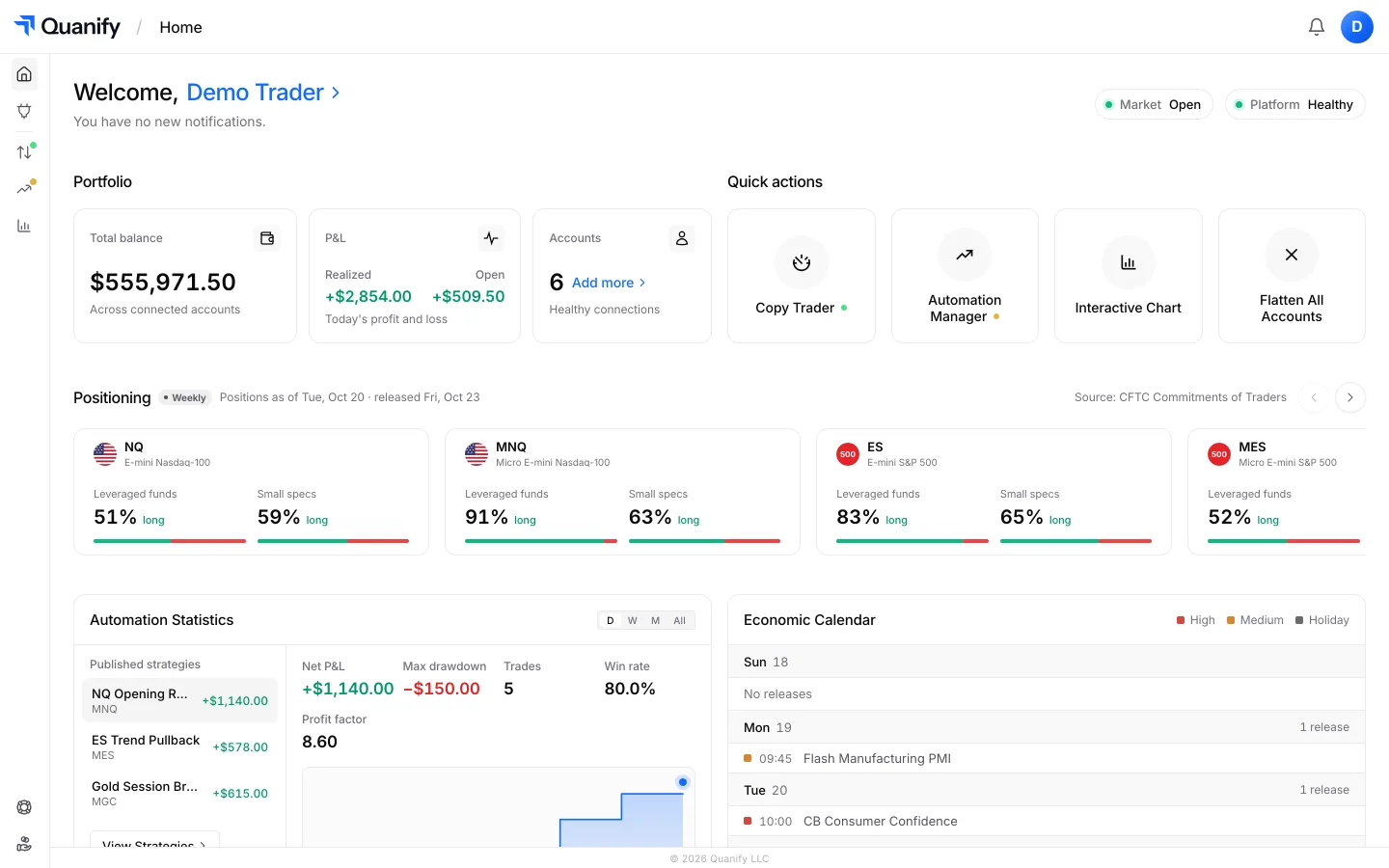
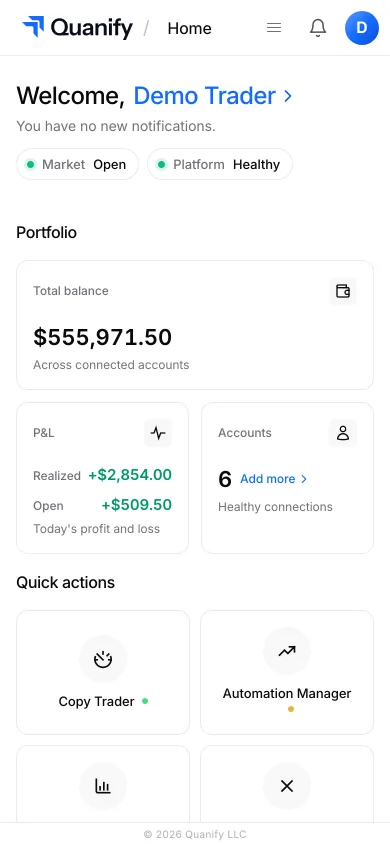
The all-in-one trading platform for futures.
Copy trading, automation, risk limits and the journal, under one sign-in.