Tradecopia alternative: an honest comparison
Tradecopia and Quanify both copy one futures account onto others. They differ on platforms, on where the copier runs, and on what each one will and won't do for you. Here is the plain version.
Quanify and Tradecopia side by side
Quanify's column is the live product. Tradecopia's column comes from its public pricing and product pages as of November 2026.
| Quanify | Tradecopia | |
|---|---|---|
| Platforms | Tradovate today; TopstepX next; NinjaTrader and Rithmic on the roadmap | Tradovate, NinjaTrader, Rithmic and TopstepX, plus TradingView |
| Where the copier runs | Quanify's servers, on every plan | Desktop app on Pro; hosted on Pro+ Lite and Pro+ |
| Computer off | Keeps copying | Hosted plans keep copying; the desktop plan depends on your machine |
| Followers | Up to 3, up to 10 or unlimited, by plan | Unlimited on every plan |
| Daily loss or profit limits | None; Quanify doesn't manage your risk | Per-account limits listed on every plan |
| Follower sizing | Whole-number multiplier per account | Per-account multiplier |
| Partial fills | Each execution copied at its own size | Ask how partials are keyed |
| Price | Coming soon | $49.99, $79.99 or $149.99 a month (as of November 2026) |
Tradecopia's plans and features change. Check its current site before you decide; this page only describes Quanify with certainty.
Where Tradecopia is the better fit today
If any of your accounts sit on Rithmic or inside NinjaTrader, Quanify can't copy them yet. Tradecopia lists direct connections to both, plus TopstepX, and it copies across platforms, so a Tradovate leader can drive a Rithmic follower.
If you want the copier itself to stop an account at a daily loss or profit level, Tradecopia lists per-account limits of that kind. Quanify has no daily loss cap, no maximum order size and no per-account caps. It gives you sizing, Mute and a kill switch, and leaves the risk decisions with you.
Tradecopia also bundles prop-firm tools such as a consistency calculator, a tracker and distance-to-drawdown monitoring. Quanify includes a Trading Journal on every plan; trades are logged by hand today, with automatic import next.
Where Quanify is built differently
Quanify has one deployment: the broker session lives on its servers for every member, so there is no desktop tier and no hosting location to pick. Trade the leader from any app, and each follower places its own order at its own whole-number multiplier, usually 50 to 200 ms after the leader's fill. Most of that time is the broker's round trip.
- Followers can sit on different Tradovate logins
- Mute one follower and the rest keep copying
- Flatten the group or cancel its orders from the Cockpit
The safeguards that decide a bad day
Ask any copier the same questions. These are Quanify's answers.
- Partial fills
- A four-lot that fills two and two is two executions. Quanify keys on the execution, so both halves copy.
- Broker retries
- A repeat of an execution already seen is refused inside a 60-second window per account.
- Stale fills
- A fill stamped older than 30 seconds is refused, so a restart can't replay old trades.
- Nothing arms itself
- New accounts and followers start disabled, and a trader shows armed only once the engine confirms every link.
- Your positions stay yours
- Quanify never flattens on cancellation or power-off. New orders stop; open positions stay at the broker.
- Automation on the same connection
- TradingView and webhook signals route to the same accounts once Automation opens soon.
How to test either one before you switch
Run the comparison on demo money. Set a simulated Tradovate account as the leader and two more as followers at different multipliers, then place a market order, a limit that fills in pieces and a quick reversal. Check every follower's fills against the leader's at the broker, not in the copier's own screen.
Then do the things that go wrong in real life: close your laptop mid-trade, mute one follower, and turn the copier off with a position open. Note what each tool did and whether it told you. A copier earns trust on the boring failures, not on the headline speed figure.
Quanify keeps the same configuration when you swap a demo follower for a funded one, so the test you ran is the setup you go live with.
Who each one fits
Pick on the accounts you hold today, not on a roadmap.
- Accounts on Rithmic or NinjaTrader
- Tradecopia today; Quanify once those connectors ship
- Copier-enforced daily loss limits
- Tradecopia; Quanify doesn't offer them
- All accounts on Tradovate, several logins
- Either; Quanify runs in the cloud on every plan
- No machine or VPS to keep running
- Quanify, or a Tradecopia hosted plan
- Copying plus webhook automation in one place
- Quanify once Automation opens; check Tradecopia's webhook plan
Common questions
Short answers to what traders ask first. Anything else, the Help Center has it.
Does Quanify support Rithmic or NinjaTrader?
Not yet. Quanify copies Tradovate accounts today, plus Quanify Paper accounts. TopstepX followers are next, and NinjaTrader and Rithmic are on the roadmap.
Does Quanify have daily loss limits like Tradecopia?
No. Quanify has no daily loss cap, maximum order size or per-account cap. It offers per-account sizing, Mute, a kill switch that flattens, and an off-by-default guard against adding to a position.
Do I need a VPS or desktop app with Quanify?
No. The broker session runs on Quanify's servers on every plan, so copies keep landing with your computer off.
How much does Quanify cost compared with Tradecopia?
Quanify's pricing is coming soon; plans are set by follower count (up to 3, up to 10 or unlimited). Tradecopia listed $49.99, $79.99 and $149.99 monthly plans as of November 2026.
Can I test Quanify before moving accounts over?
Yes. Connect a simulated or evaluation account and run the whole setup against it. The configuration stays the same when you point it at a funded account.
Is copy trading allowed on my prop firm accounts?
That depends on your firm's contract for each account, whichever copier you use. Some firms restrict copying, so check the current rules before you link a funded account.
More on alternatives
Keep your setup in reach.
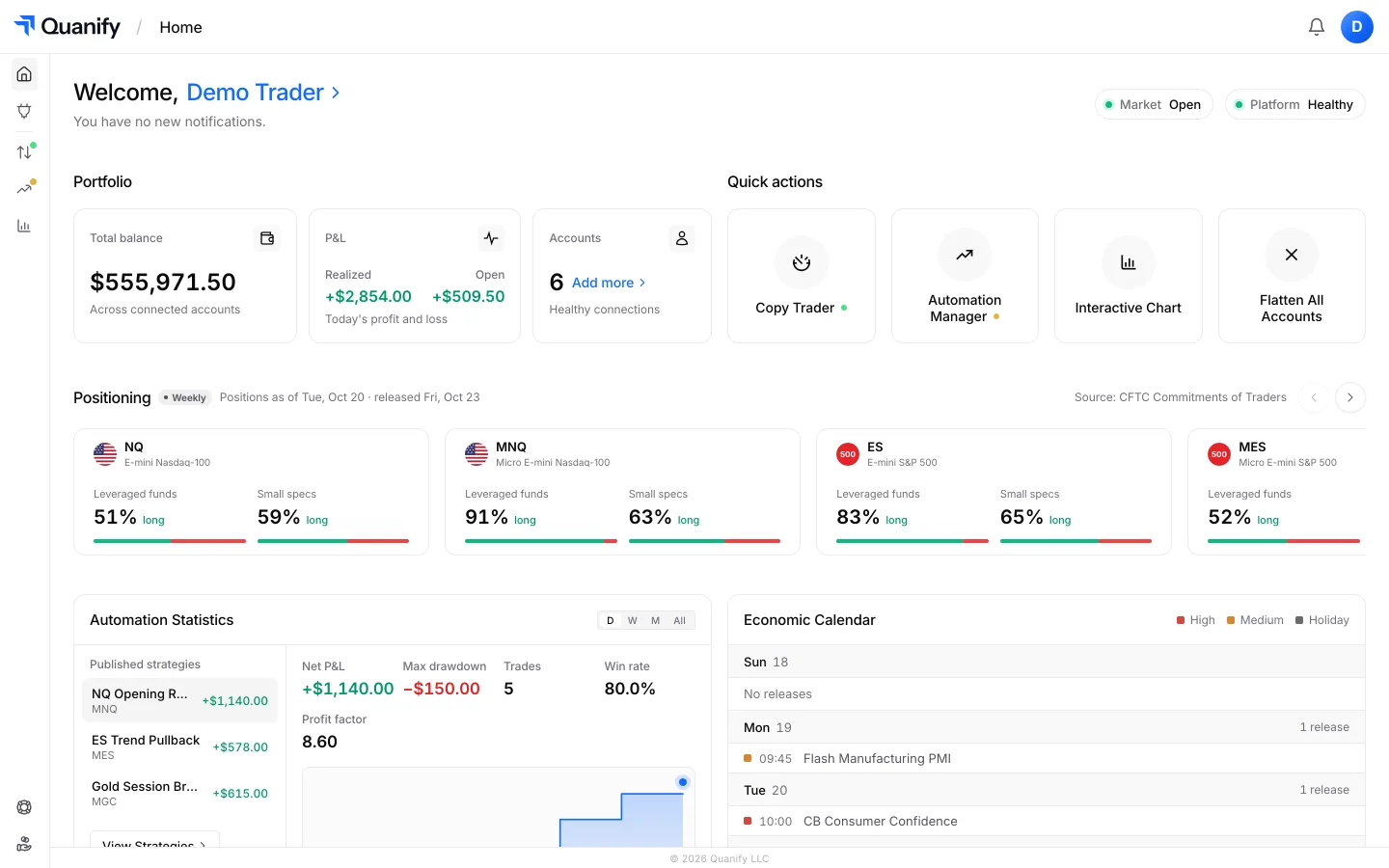
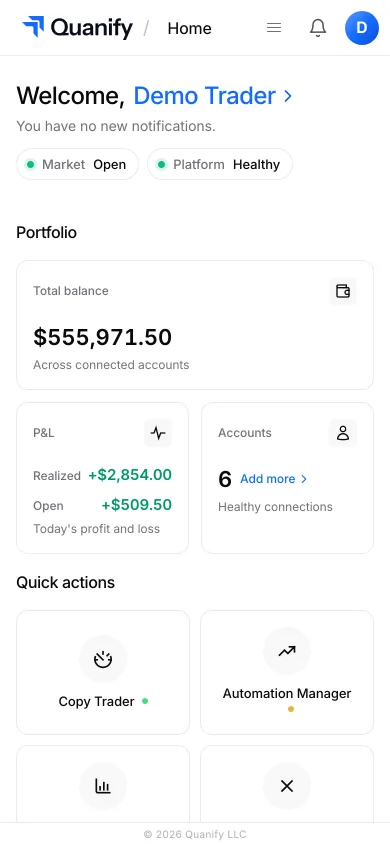
Check PnL, account status, and your connected setup from desktop or mobile, wherever you are.
The all-in-one trading platform for futures.
Copy trading, automation, risk limits and the journal, under one sign-in.