Tradeify trade copier: one trade across your Tradeify accounts
Tradeify allows copying your own trades across your own accounts, as long as every account trades the same direction. Here is how that works, what the hedging rule means for a copier, and where Quanify fits.
Tradeify accounts on Tradovate connect to Quanify today over OAuth. Tradeify's Rithmic and WealthCharts accounts can't be connected yet; Rithmic is on Quanify's roadmap.
How copying works at Tradeify
Tradeify's Funded Trader Agreement bars copying or mirroring trades with any other person, and allows copying your own trades across your own trader-controlled accounts where the help center permits it. The help center adds the condition that matters most: every account in the group trades the same direction.
A copier fits that shape. You trade the leader, and each follower places its own order on the leader's side at its own whole-number multiplier. Nothing inverts, so a copier set up this way never opens the opposing positions Tradeify treats as hedging.
- Followers always take the leader's side
- Each account sized on its own, before the order is sent
- Exits sized to what each follower holds
- Mute one account without unlinking it
Tradeify rules that touch copying
As of November 2026, from Tradeify's help center and Funded Trader Agreement. Tradeify revises plans often, so check your contract and the firm's current rulebook before you arm a group.
- Copy trading
- Your own trades across your own accounts, same direction only
- Copying others
- Not allowed. Group trading is only between accounts you own and manage
- Opposite positions
- A hedging violation: every account involved goes to violation status, profits from the period are forfeited, and a ban is possible
- Funded cap
- Five sim funded accounts per person and per household. The help center counts 300K accounts inside the five, three at most; one Tradeify page says otherwise, so confirm
- Platforms
- Tradovate, Rithmic and WealthCharts on current Select plans. Tradovate, Tradesea and WealthCharts each have their own copier
- Consistency and drawdown
- Set per plan (Growth, Select, Lightning) and revised often. Read them in your plan's own help article
Quanify, Tradovate group trading or manual re-entry
Tradeify's help center documents Tradovate's own group trading. It works, with limits worth knowing before you pick.
| Quanify | Tradovate group trading | Manual re-entry | |
|---|---|---|---|
| Size per account | Whole-number multiplier each | Same count on every account | Typed every time |
| Order quantity | Anything on the leader | A multiple of the group total | Anything |
| Skip one account | Mute it, the rest carry on | Edit the group | Don't trade it |
| Time to the last account | Usually 50 to 200 ms | One order, split by the platform | Seconds, longer in a fast market |
| Accounts on other logins | Yes, each connected on its own | Check Tradovate's group rules | Yes, if you can type fast |
Tradeify's help center says Tradovate brackets are not supported in group trading. Whichever route you take, run it on sim first.
Set it up on Quanify
The configuration is the same on a sim account, an evaluation and a sim funded account.
- 01
Connect Tradovate
Sign in over OAuth. Each Tradeify account under that login is addressable on its own.
- 02
Pick the leader
Choose the account you trade by hand. Every follower will take its side.
- 03
Set multipliers
Switch followers on one at a time and give each a whole number. New followers start disabled.
- 04
Test on sim
Trade real sessions on a Quanify Paper or evaluation account and check partial fills land at the right size.
- 05
Arm the group
Turn Power on. The trader shows as armed only once the engine confirms every link.
One position, held five times
Five funded Tradeify accounts following one leader are one trade held five times. Copying multiplies a good day and a bad one equally, and the drawdowns all move in the same minutes. If every account sits near its limit, one fast move can end all five.
Size each follower so the worst realistic loss fits inside its own drawdown with room to spare. Quanify does not track Tradeify's limits: there is no daily loss cap and no per-account cap in it. You get per-account sizing, the Allow 2+ entries guard that refuses an add to a position you already hold, Mute for any one account, and a kill switch that flattens the whole group.
Watch the hedging rule outside the copier too. A manual trade on a follower in the other direction, or a correlated contract held the other way on another account, can count as an opposing position even when the copier itself only ever follows. Check where each account stands in the consistency calculator before you request a payout.
Common questions
Short answers to what traders ask first. Anything else, the Help Center has it.
Does Tradeify allow trade copiers?
As of November 2026, Tradeify allows copying your own trades across your own accounts in the same direction. Copying with other people, and opposite positions across your accounts, are not allowed. Check your contract and the firm's current rulebook.
Does Quanify work with Tradeify accounts?
With Tradeify accounts on Tradovate, yes. Quanify connects to Tradovate over OAuth. Tradeify's Rithmic and WealthCharts accounts can't be connected yet; Rithmic is on the roadmap.
How many Tradeify accounts can I copy to?
Tradeify caps sim funded accounts at five per person and per household. Your Copy Trader plan sets how many followers Quanify will drive.
Can a copier break Tradeify's hedging rule?
Quanify followers always take the leader's side, so the copier itself doesn't open opposite positions. A manual trade the other way on a follower still can, so keep followers hands-off.
Why not just use Tradovate group trading?
You can. It sends the same count to every account and needs order sizes in multiples of the group total. Quanify sizes each account on its own and lets you mute one without editing the group.
Will Quanify keep me inside Tradeify's rules?
No. Quanify gives you sizing, Mute and a kill switch. It doesn't track Tradeify's drawdown or consistency rules and can't make an account compliant.
More on prop firm accounts
Keep your setup in reach.
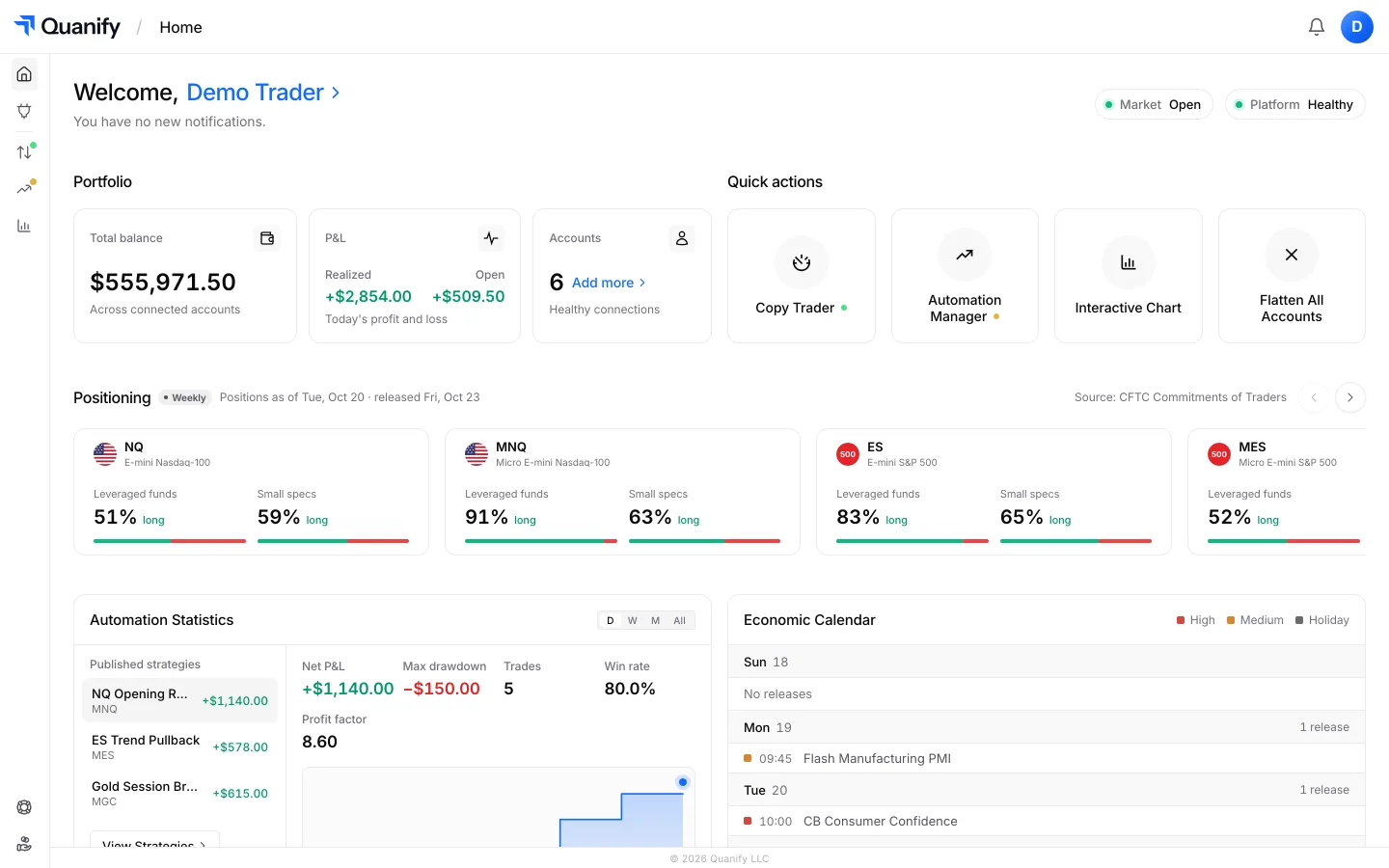
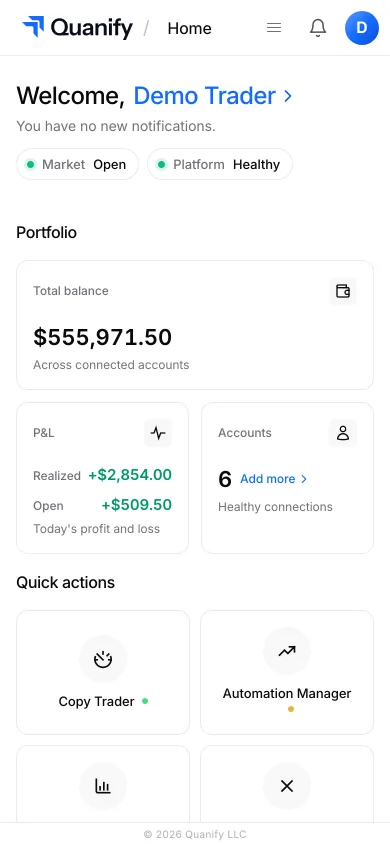
Check PnL, account status, and your connected setup from desktop or mobile, wherever you are.
The all-in-one trading platform for futures.
Copy trading, automation, risk limits and the journal, under one sign-in.