Take Profit Trader trade copier: rules first, then setup
Take Profit Trader allows copying between accounts you own, but only through copiers on its approved list. That one condition decides more than any setting, so start with it.
Quanify connects to Tradovate today; TPT accounts on Rithmic are roadmap. TPT allows approved copiers only, so confirm Quanify with TPT support in writing before you connect a Test, PRO or PRO+ account.
How copying works at Take Profit Trader
TPT publishes a Trade Copier Policy in its help center. As summarised by 2026 guides that cite it, a copier is allowed only on accounts owned and controlled by the same trader, only if the software is on TPT's approved list, and never to coordinate trading between different people. Bots and automated trading systems stay off limits, and copier permission doesn't change that.
Mechanically, copying is the same everywhere: one leader account fills, and each follower gets its own order at its own size. What differs at TPT is the gate in front of it. Which copier you use matters as much as how you set it up.
- Approved copier software only
- Accounts you own and control, never someone else's
- No bots or automated systems
- Followers sized one by one, never inverted
TPT rules that touch copying
As of November 2026, from TPT's help center and 2026 guides that cite its policy pages. Read the Trade Copier Policy itself, then check your contract and the firm's current rulebook.
- Copying
- Allowed between accounts you own and control, through approved copiers only
- Approved copiers
- Lists published in 2026 name Tradesyncer, TradeCopia, Affordable Indicators, Replikanto Flowbot Compliance Edition and platform-native copiers. Quanify was not on them
- Bots
- Automated trading systems, bots and algorithmic execution are not permitted
- Platforms
- TradingView, NinjaTrader and Tradovate on CQG; Bookmap, Quantower, MultiCharts and others on Rithmic. PRO+ live accounts run through Tradovate
- Account cap
- Reported as five PRO or PRO+ accounts copied at once. Confirm in the policy
- Consistency
- 50% in the Test: no single day can be more than half your total profit. Reported as none on PRO
- Drawdown
- End of day trailing in the Test. Guides disagree on PRO, so read it off your own dashboard
Set it up on Quanify, once TPT says yes
Only a Tradovate-backed TPT account can connect to Quanify today. The configuration is the same on sim, a Test and a PRO account.
- 01
Ask TPT first
Send support the copier you plan to use and keep the written answer with your account records.
- 02
Connect Tradovate
Sign in over OAuth. Each account under that login shows up on its own.
- 03
Pick a leader and set multipliers
Trade the leader by hand. Switch followers on one by one; new followers start disabled.
- 04
Test on sim
Run real sessions on a Quanify Paper account and check partial fills land at the right size.
- 05
Arm the group
Turn Power on. The trader only shows as armed once the engine confirms every link.
Copier or manual re-entry across TPT accounts
Re-entering by hand is always allowed. It is also slow, and the last account gets the worst fill.
| Cloud copier (Quanify) | Manual re-entry | |
|---|---|---|
| Needs TPT approval | Yes, check the approved list | No |
| Tickets per trade | One, on the leader | One per account |
| Time to the last account | Usually 50 to 200 ms | Seconds |
| Size per account | Whole-number multiplier, set once | Typed every time |
| Rithmic accounts | Roadmap | Yes |
A copier repeats the trade, not the judgment. It also repeats a mistake on every account at once.
One position, held five times
Five PRO accounts on one leader hold one position five times. Copying does not diversify anything; it multiplies a single decision. A gap through your stop hits every follower in the same second, and if each account was close to its drawdown, each one can fail together.
Size followers so the worst case fits each account's drawdown with room left over. Quanify does not track TPT's limits and has no daily loss cap or per-account cap. It gives you per-account sizing, the Allow 2+ entries guard that refuses an add to a position you already hold, Mute for any single account, and a kill switch that flattens the group.
Keep followers hands-off. TPT's policy is aimed at accounts trading the opposite way to neutralise risk, and a manual trade on a follower can create exactly that. Before the Test's payout math matters, run your days through the consistency calculator.
Common questions
Short answers to what traders ask first. Anything else, the Help Center has it.
Does Take Profit Trader allow trade copiers?
Yes, between accounts you own and control, and only through copiers on TPT's approved list, as of November 2026. Bots and copying between different people are not allowed. Check your contract and the firm's current rulebook.
Is Quanify on TPT's approved copier list?
It wasn't on the lists published in 2026. Ask TPT support in writing before you connect a TPT account to any copier, Quanify included, and keep the reply.
Does Quanify work with TPT accounts?
Technically, with TPT accounts on Tradovate, yes: Quanify connects to Tradovate over OAuth. TPT accounts on Rithmic can't be connected yet. Approval is a separate question for TPT.
How many TPT accounts can I copy to?
Guides citing TPT's policy report five PRO or PRO+ accounts at once. Confirm the current number in the policy.
Can I size each TPT account differently?
Yes. Each follower carries its own whole-number multiplier, applied before the order is sent.
Will Quanify keep me inside TPT's rules?
No. Quanify doesn't track TPT's drawdown or consistency rules and can't approve itself under TPT's policy. Only TPT can.
More on prop firm accounts
Keep your setup in reach.
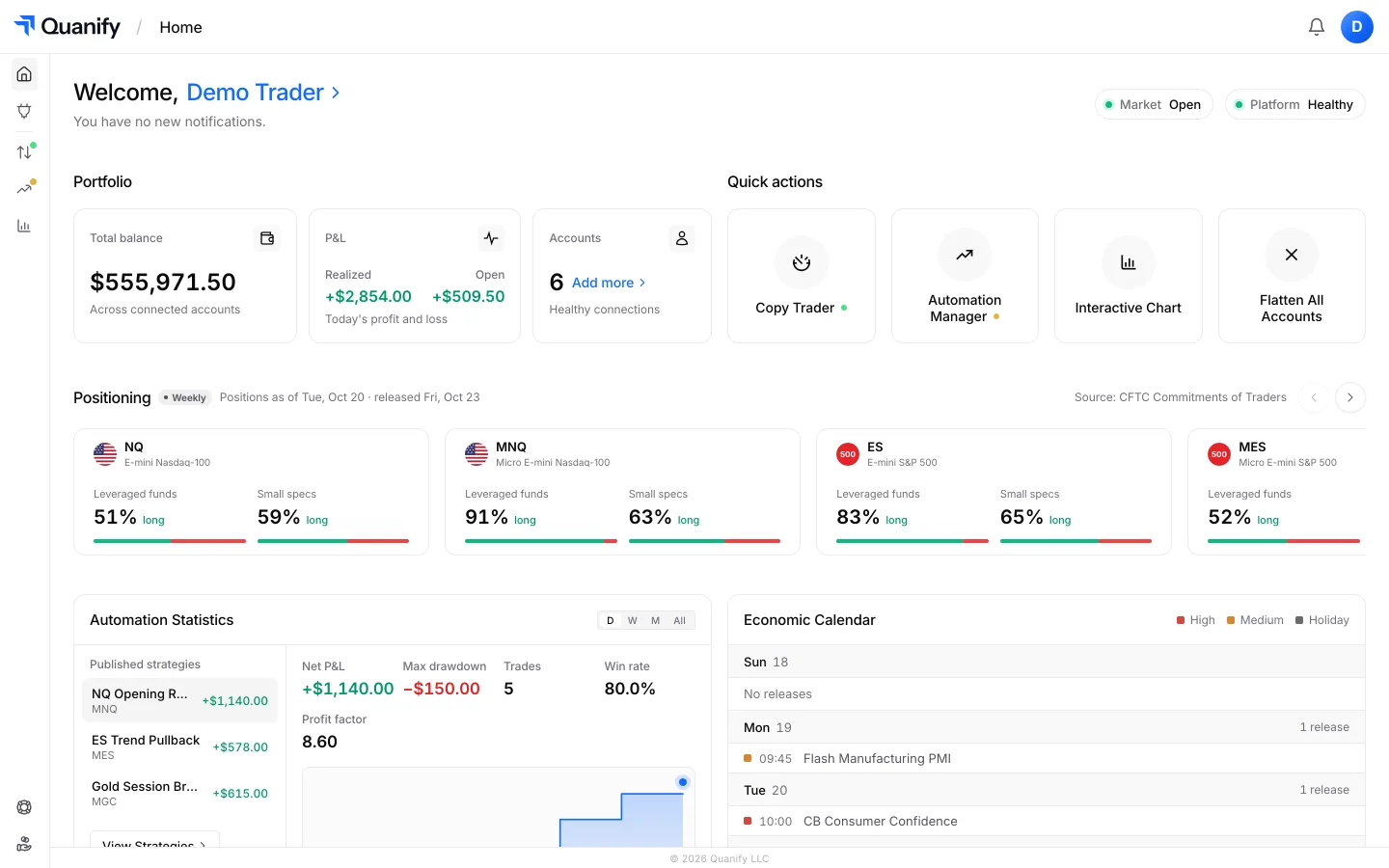
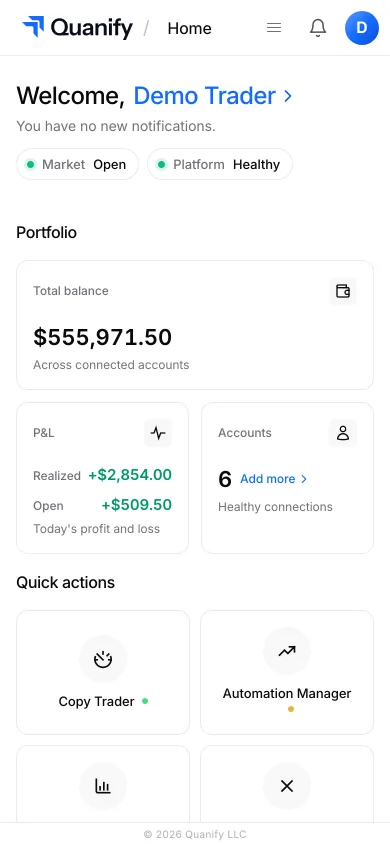
Check PnL, account status, and your connected setup from desktop or mobile, wherever you are.
The all-in-one trading platform for futures.
Copy trading, automation, risk limits and the journal, under one sign-in.