Log a trade in seconds Live
Type the symbol and your fills. Quanify works out the direction, the average prices, the fees and the result, however many entries and exits the trade had.
Support
SupportHelp center, guides and a direct line to us.Log a trade in seconds and review every account in one place: win rate, P&L calendar and reports, built from your own fills.
Every trade you log updates your win rate, P&L and calendar the moment you save it.
Type the symbol and your fills. Quanify works out the direction, the average prices, the fees and the result, however many entries and exits the trade had.
One tile per session, green or red. Click a day to open the trades behind it.
The Quanify Score weighs six parts of your record, so one number tells you if the month was sound.
Time of day, weekday, symbol, direction and holding time, each with its own result, so you can see what pays you and what costs you.
Add trades by hand today. Syncing fills from your connected accounts and importing past trades are being built.
Name an account for each evaluation or funded account, log against it, and review one account or all of them together.
Quanify does the maths on every trade, so your data becomes your edge.
Filter any report by symbol, direction, weekday, time of day or account, and see which conditions drive your results.
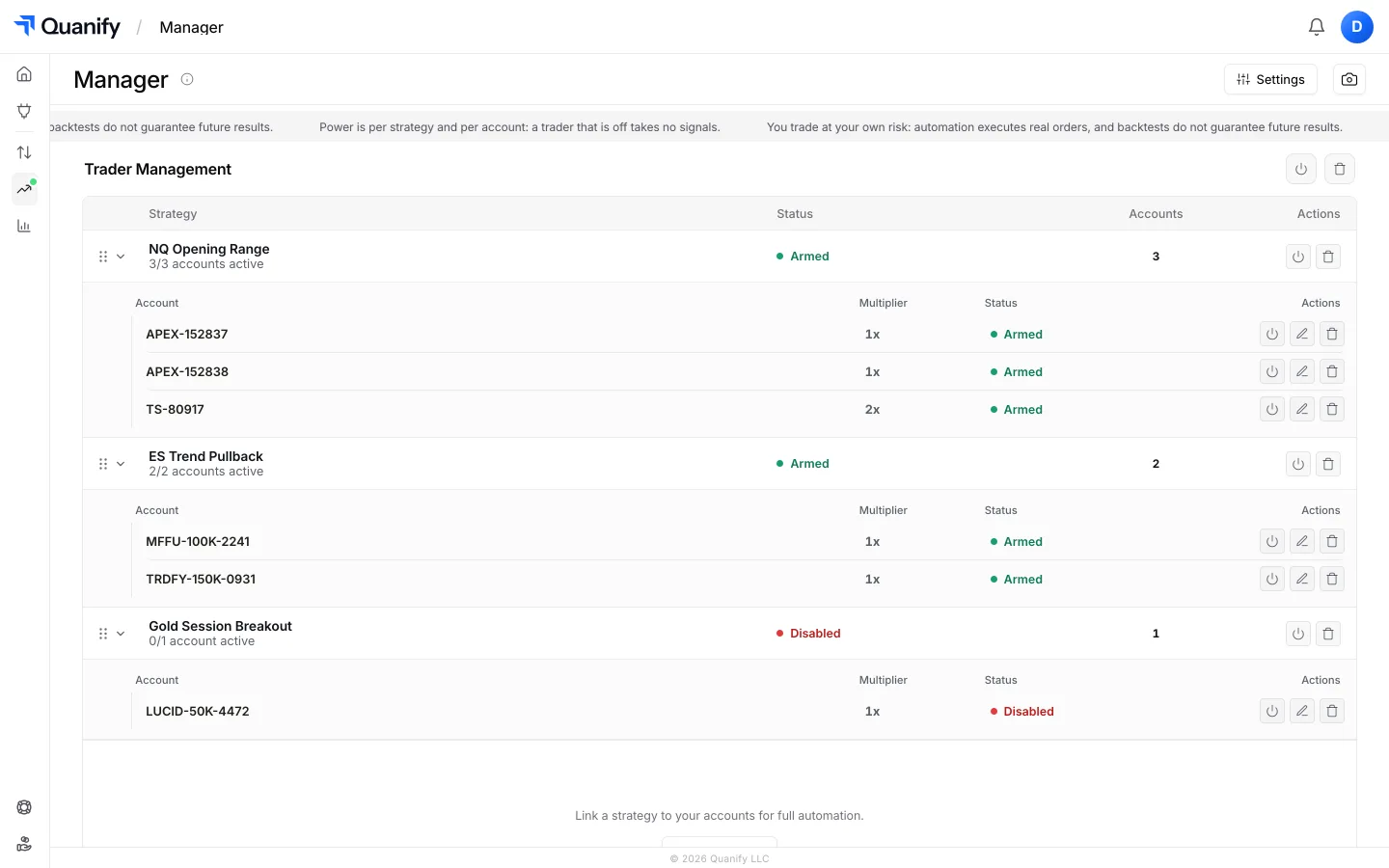
Copy trades, manage risk and trade from the chart, under the same sign-in as your journal.
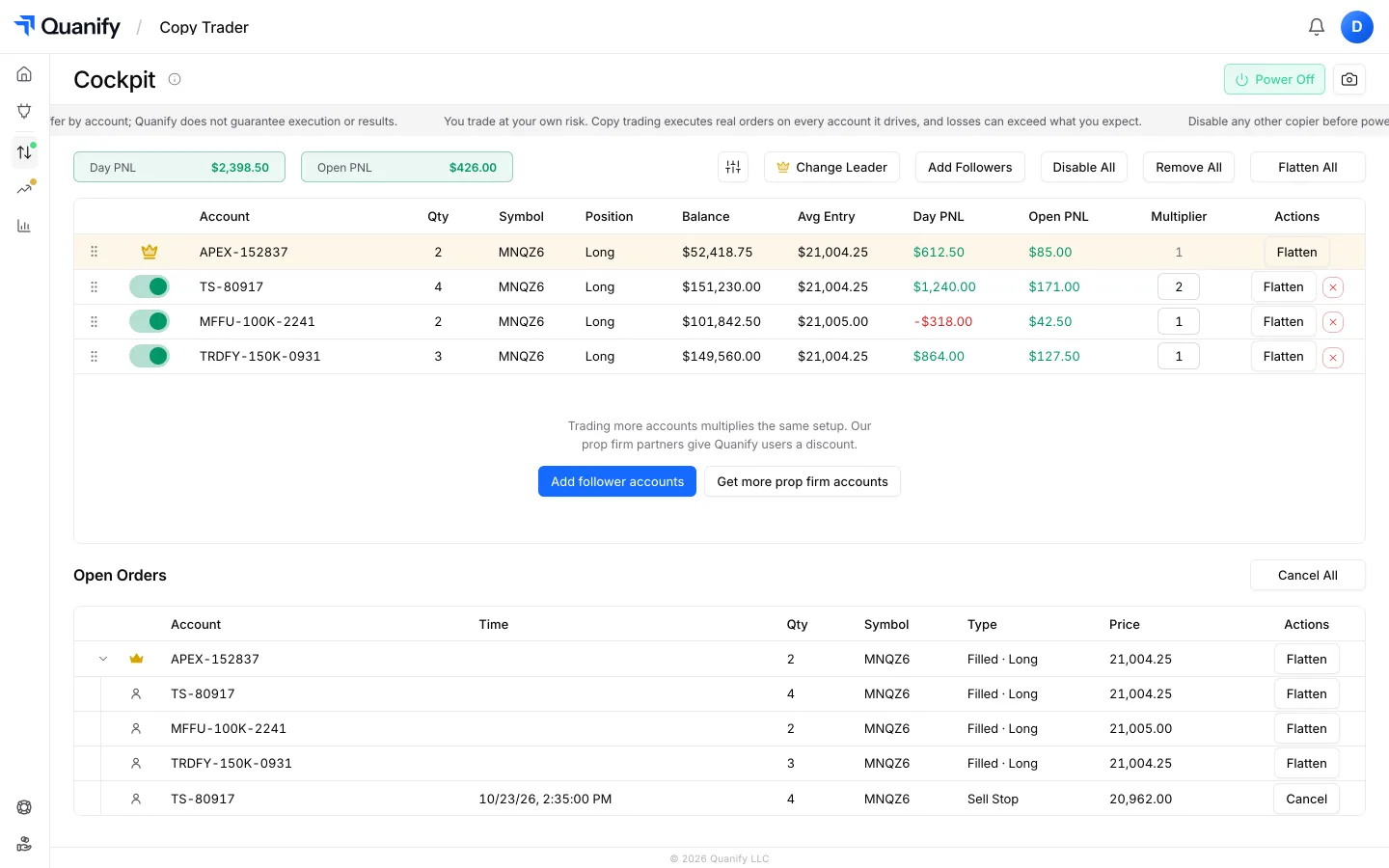
Automatically copy trades from a leader account to your followers.
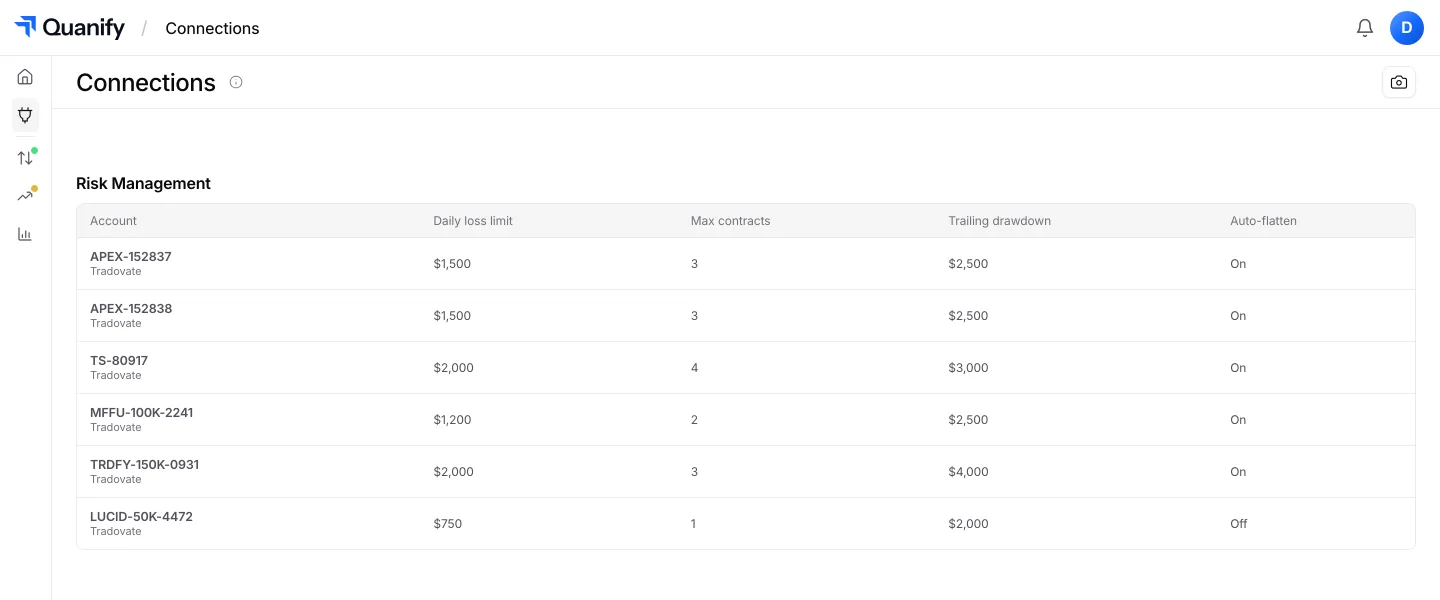
Discover moreSet supported risk rules across your accounts and manage them from the same platform.
Discover moreLive futures charts with every account's P&L beside the chart, replay for the session, under the same sign-in.
Discover moreWhether you’re running an eval, scaling funded accounts, or managing a live account, the journal fits seamlessly into your workflow.
See exactly where you trip up, so you can pass the eval faster.
Discover moreProtect your accounts, with drawdown and risk tracked on every trade.
Discover moreCompare accounts and strategies side by side as you grow your portfolio.
Discover moreBuilt to grow with your trading business.

Keep follower accounts aligned with the leader. No unwanted exposure.

Connect your TradingView-linked accounts through Tradovate.

Take profit and stop loss in ticks, placed as real orders. Rolling out.

Adjust position sizing for each follower account using multipliers.

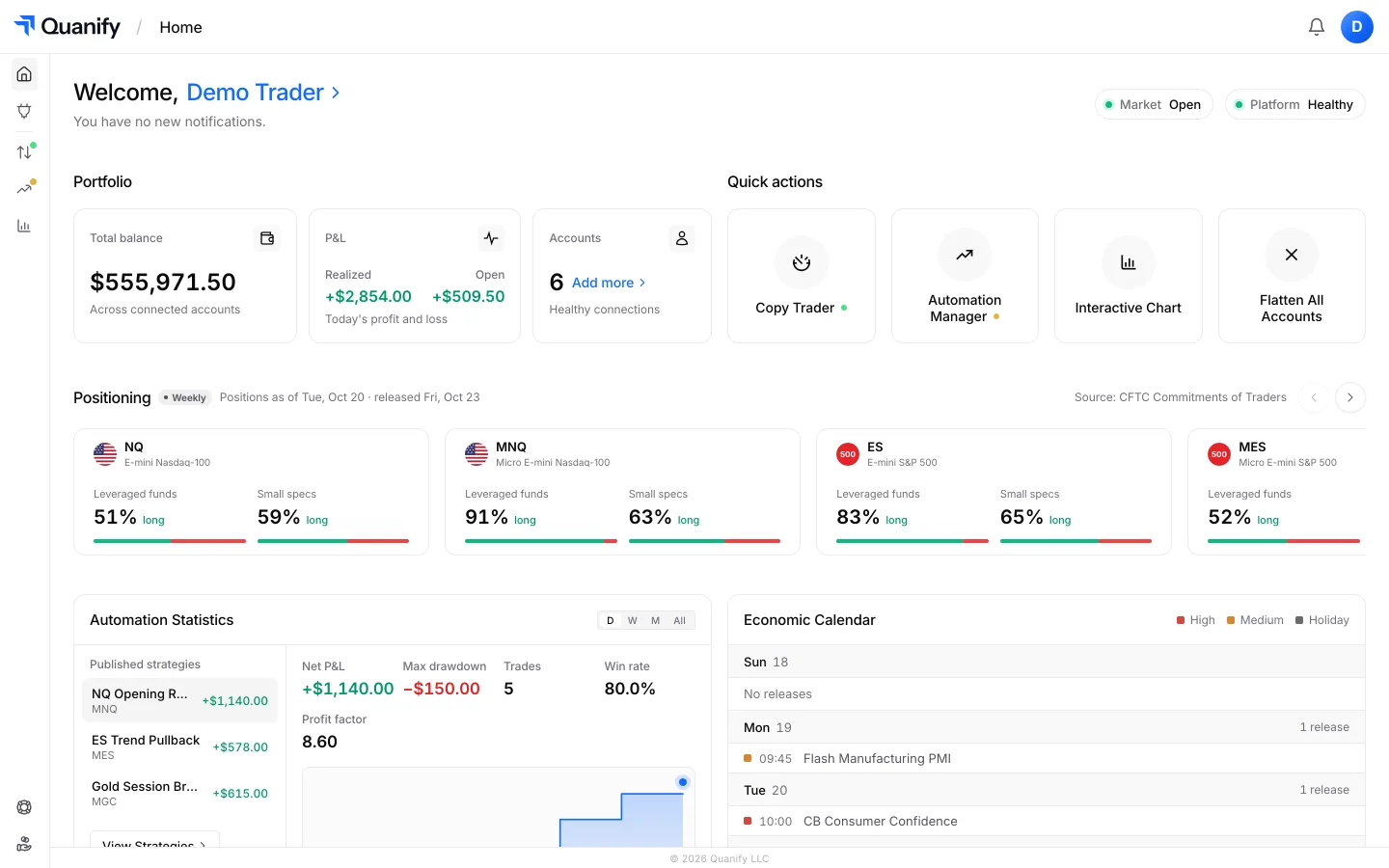
See your portfolio's performance at a glance.

Trade account groups separately by strategy, risk, or account type.

Cleaner syncing by copying only leader orders that actually fill.

Know the moment something needs your attention.

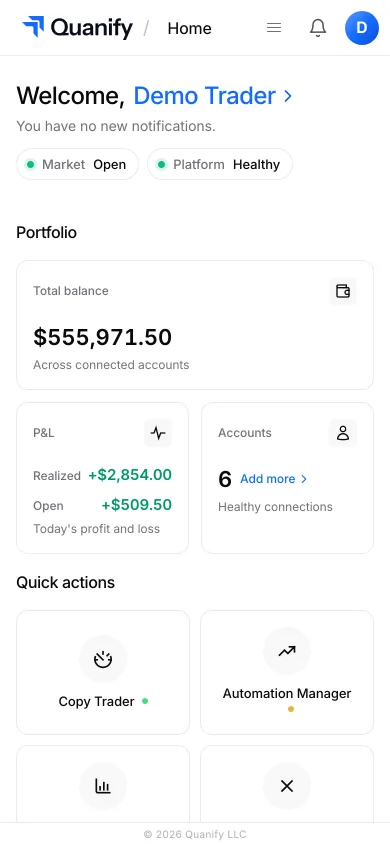
Access your trading operation from anywhere.

Work on desktop, laptop, tablet, or phone.

Desktop or phone, nothing to install.

Per-account sizing and daily limits for evaluation and funded rules.
Reviews from traders using Quanify to journal and review their trades.


Review coming soon.
Review coming soon.
Review coming soon.
You add them: pick the account, type the symbol and enter each execution, and Quanify works out the direction, the average prices, the fees and the result. A trade can carry as many entries and exits as it had. Automatic import from connected accounts is being built next.
Yes. Add a journal account for each evaluation or funded account, log trades against it, and review accounts one at a time or together. The journal is included on every Quanify plan.
Beyond win rate and P&L you get profit factor, expectancy, maximum drawdown, streaks, average win and loss, a Quanify Score and a trading calendar, plus reports by symbol, direction, weekday, time of day and holding time, including a cross-analysis of any two. Each trade has its own page with every fill and the running result.
Yes. Every trade belongs to an account you name, and each page can be narrowed to one account or several. Tags for setups and strategies are planned.
Only you. Journal entries are private to your account, and Privacy mode hides the Journal pages while you are sharing your screen.
Monitor P&L, account status, and every prop firm connection from desktop or mobile, wherever you are.
Log the trade. Quanify works out the rest.