Tradovate Group Trade vs a trade copier
Group Trade is built into Tradovate and costs nothing extra. For a lot of traders it is enough. Here is what it does, where it stops, and when a separate copier earns its place.
What Group Trade does
- 01
Build a group
Open Manage Groups from the account menu in the Tradovate web or desktop app and add accounts. It only appears when more than one account is linked to your username.
- 02
Set a quantity per account
Each account gets a fixed quantity. The group's total is the sum, and orders go in multiples of it.
- 03
Select the group and trade
Pick the group instead of an account and place the order. Tradovate splits it across the accounts by their quantities.
- 04
Watch it as one
With the group selected, the order and P&L views show the group together.
Where Group Trade stops and a copier carries on
Group Trade facts are from Tradovate's support guidance and community answers as of November 2026. Rules can change, so confirm with Tradovate.
| Group Trade | Quanify Copy Trader | |
|---|---|---|
| Accounts on different Tradovate logins | No; a group lives under one username | Yes; connect each login and pick followers |
| Different prop firms, or a firm plus a personal account | No; same brokerage or same firm only | Yes, where each firm's rules allow copying |
| Order size | Multiples of the group total | Any leader size; each follower applies its own multiplier |
| Where you place the trade | Tradovate web or desktop with the group selected | Any app that trades the leader: web, desktop, mobile, TradingView |
| TradingView alerts | Not triggered by external signals | Webhook automation opens soon |
| Step one account out | Edit the group | Mute it; the rest keep copying |
| Flatten everything | Tradovate's own exit tools, account by account | Kill switch flattens the group from the Cockpit |
| Cost | Included with Tradovate | Pricing coming soon |
Bracket and ATM support inside Group Trade has changed over time and differs by app. Check Tradovate's current article before you rely on it.
The multiple rule is the one people trip on
Group Trade sizes by fixed quantities set when you build the group. Three accounts at one contract each make a group of three, so every order is three, six or nine. A two-lot can't go to that group without editing it first.
A copier works the other way round. The leader trades any size, and each follower multiplies that fill by its own whole number. A one-lot on the leader becomes one, two and three on followers set to 1, 2 and 3, and a two-lot becomes two, four and six. Nothing has to be rebuilt between trades.
Why a copier doesn't care where you click
Group Trade only fires when you submit an order with the group selected. A copier watches the leader's fills instead: Tradovate reports the execution, and each follower gets its own order over a direct API connection, usually 50 to 200 ms later. So the leader can be traded from the TradingView chart panel, the phone app or a bracket you set an hour ago, and the followers still follow.
- Partial fills copied as they fill
- Exits sized to what each follower holds
- Fills older than 30 seconds are refused
When Group Trade is enough
Use the built-in tool if every line here is true for you.
- Logins
- Every account under one Tradovate username
- Firms
- All accounts at the same firm or brokerage
- Where you trade
- Tradovate web or desktop, by hand
- Sizing
- Fixed ratios and order sizes in multiples are fine
- Signals
- No TradingView alerts or scripts placing orders
When a copier is worth it
If any of these describe your accounts, Group Trade will start to get in the way.
- Several logins
- Evaluation accounts bought at different times often sit on separate logins. A copier joins them under one leader.
- Several firms
- A personal account leading prop accounts, or two firms side by side, is outside what Group Trade can group.
- Sizes that differ
- Run a funded account at three times an evaluation without trading in multiples of the total.
- Trading from the chart
- Trade the leader from TradingView or the phone and the followers still fill.
- Pausing one account
- Mute an account that hit its target and keep copying the rest.
- Automated signals
- Route TradingView or script alerts to the same accounts once Automation opens.
Common questions
Short answers to what traders ask first. Anything else, the Help Center has it.
Can Tradovate Group Trade combine accounts from different logins?
By Tradovate's guidance and most community reports, no. A group is built from accounts linked to one username, and accounts at different firms can't share a group.
Does Group Trade work from TradingView?
No. Group Trade runs from the Tradovate web and desktop apps with the group selected. TradingView's Tradovate panel trades one account at a time.
Is using a trade copier allowed by prop firms?
It depends on each firm's contract for that account. Some allow copying between your own accounts and some restrict it, so check the current rules before you link a funded account.
Does Quanify replace Group Trade?
It can. Quanify copies one Tradovate leader onto your other Tradovate accounts, across logins, each at its own whole-number multiplier. If Group Trade already covers your setup, you may not need it.
Does a copier close my positions if I turn it off?
Quanify doesn't. New orders stop and open positions stay at the broker. You can flatten the group yourself with the kill switch.
Can I test a copier without risking a funded account?
Yes. Set a demo or evaluation account as the leader and another as a follower, place a trade, and check both fills before you go live.
More on copy trading
Keep your setup in reach.
Check PnL, account status, and your connected setup from desktop or mobile, wherever you are.
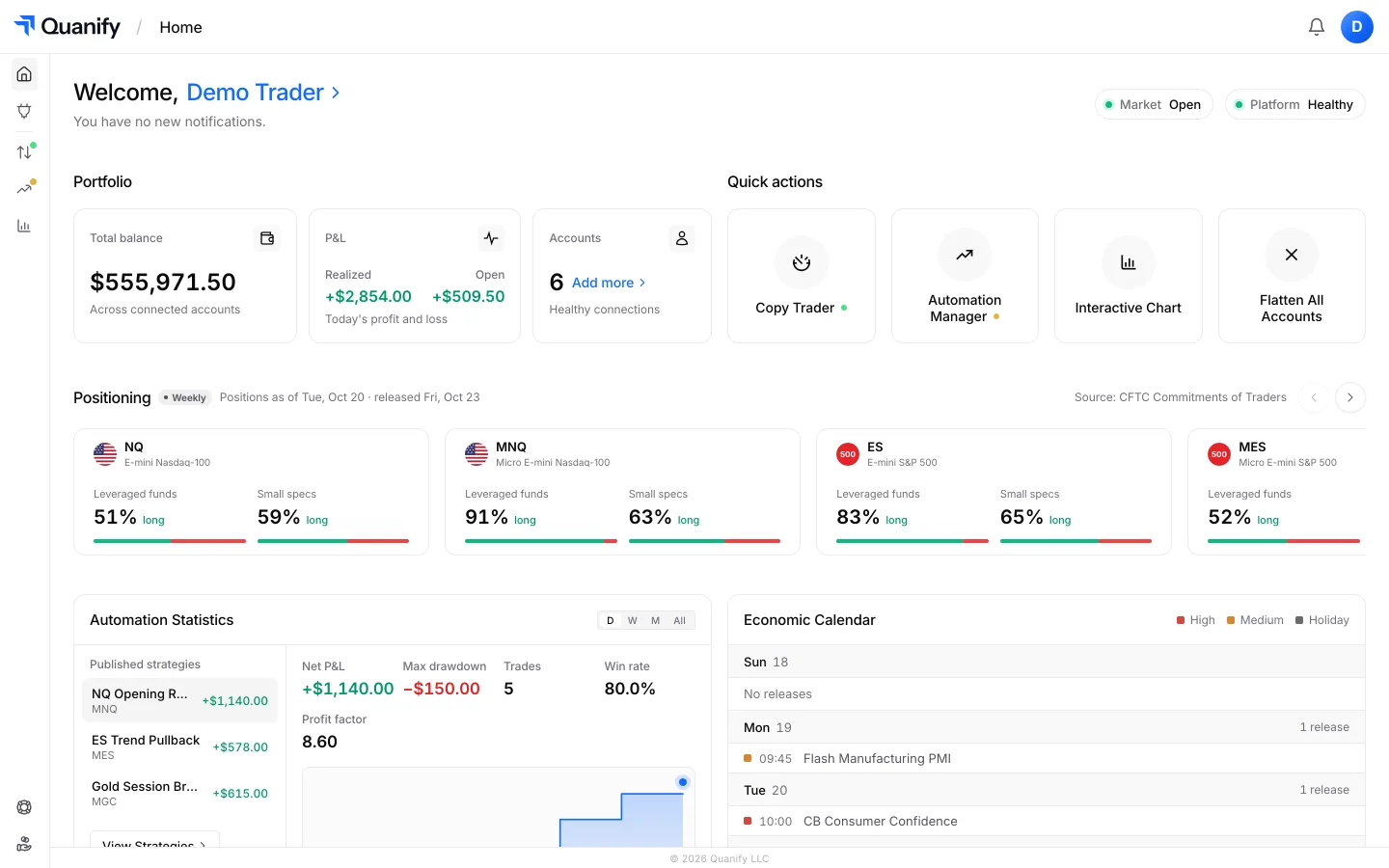
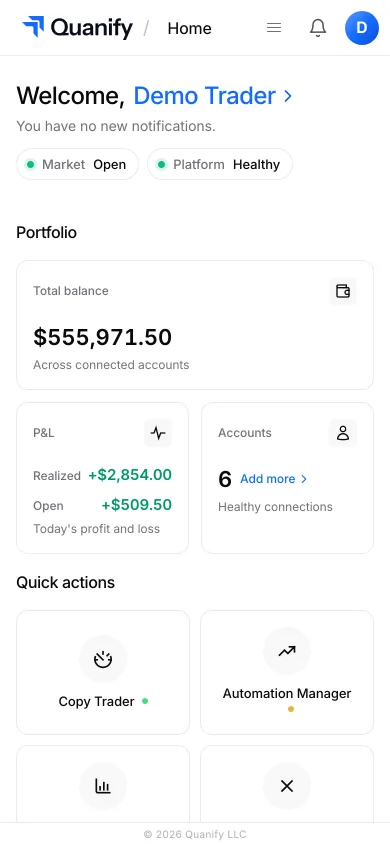
The all-in-one trading platform for futures.
Copy trading, automation, risk limits and the journal, under one sign-in.