Replikanto alternative: add-on copier or cloud copier
Replikanto is a trade copier that lives inside NinjaTrader 8. Quanify is a cloud copier for Tradovate accounts, and its NinjaTrader connector is on the roadmap, not live. Which one fits depends on where your accounts are and where you trade from.
Quanify and Replikanto side by side
Quanify's column is the live product. Replikanto's column comes from FlowBots' product page as of November 2026.
| Quanify | Replikanto | |
|---|---|---|
| What it is | Cloud service | Add-on inside NinjaTrader 8 |
| Runs on | Quanify's servers | Your Windows machine running NinjaTrader 8 |
| Mac | Any browser | Windows only; a Mac needs a Windows virtual machine |
| Accounts | Tradovate today; NinjaTrader on the roadmap | Accounts NinjaTrader connects, such as Rithmic, Tradovate, Interactive Brokers and Sim |
| Brackets and ATM | Fills copied as market orders; resting-order copy coming soon | ATM strategies and OCO brackets copied |
| Sizing | Whole-number multiplier per account | Seven methods, including ratio and pre-allocation; ES to MES cross orders |
| Followers on another computer | Every follower is remote by design | Network node or remote node mode; remote copying uses Submit credits |
| Pricing | Coming soon | Per-machine license, yearly or lifetime |
FlowBots updates Replikanto and its licenses. Check its current page for features and prices.
If your accounts live in NinjaTrader today
Quanify can't copy them yet. Its live connector is Tradovate, with TopstepX followers next, and NinjaTrader and Rithmic are on the roadmap. If your funded accounts trade through NinjaTrader on Rithmic, Replikanto works today and Quanify doesn't.
Replikanto also does things a market-order copier doesn't: it copies ATM strategies and OCO brackets, so each follower carries the leader's stop and target, and it can trade a different contract on the follower, such as MES for ES. If you manage trades with ATM templates at the desk, that matters.
If your accounts are already on Tradovate, the picture flips. You don't need NinjaTrader, Windows or a VPS to copy them, and Quanify copies the leader whichever app placed the order.
What changes when the copier is in the cloud
An add-on copies while the platform it lives in is open and connected. Quanify holds the broker session on its servers, so copies land with your computer asleep, the platform updating or your laptop on a train. You trade the Tradovate leader from any app, including the web or mobile app, and every follower places its own order.
- Nothing to install, no Windows needed
- Followers can sit on different Tradovate logins
- Usually 50 to 200 ms from leader fill to follower order
What running a copier on your desktop asks of you
A desktop copier is only as available as the machine it runs on. Windows updates, a NinjaTrader restart, a dropped connection or a laptop lid closed at lunch all stop copying until you notice. Traders who run Replikanto seriously tend to put NinjaTrader on a VPS for that reason, and then maintain the VPS too.
Replikanto's network and remote node modes let followers live on a second computer or a VPS. Remote copying routes through FlowBots' cloud and spends Submit credits, so check how many your volume needs.
None of that is a flaw; it is what an add-on is. It suits a trader at the desk with ATM templates. It suits less well a trader who wants copies to land while away from the screen.
What Quanify does on a bad day
Questions to put to any copier, with Quanify's answers.
- Partial fills
- Copies key on the execution, so a fill that arrives in pieces copies in pieces.
- Broker retries
- A repeat execution is refused inside a 60-second window per account.
- Old fills
- Fills older than 30 seconds are refused, so a restart can't replay the morning.
- One account out
- Mute a follower and the rest keep copying, without unlinking it.
- Kill switch
- Flatten the group and cancel its orders from the Cockpit in one action.
- Nothing arms itself
- New followers start disabled until you turn each one on.
Moving a Tradovate setup to Quanify
- 01
Connect Tradovate
Sign in over OAuth for each login. Every sub-account, demo or live, shows up on its own.
- 02
Pick a leader
Choose the account you trade by hand. Every follower copies its fills.
- 03
Add followers
Set each one's whole-number multiplier. New followers start disabled.
- 04
Test on demo
Place a trade on a demo leader and check every follower's fill before you go live.
Who each one fits
Decide on where your accounts are today.
- NinjaTrader on Rithmic, at the desk
- Replikanto
- ATM brackets on every follower
- Replikanto; Quanify copies fills as market orders
- Tradovate accounts, trading from web or phone
- Quanify
- Mac, or no machine to leave running
- Quanify
- NinjaTrader accounts without a desktop
- Quanify once its NinjaTrader connector ships
Common questions
Short answers to what traders ask first. Anything else, the Help Center has it.
Does Quanify support NinjaTrader?
Not yet. NinjaTrader is on the roadmap. Quanify copies Tradovate accounts today, and TopstepX followers are next.
Can Quanify copy ATM brackets like Replikanto?
No. Quanify copies each leader fill as a market order on every follower, sized to what that follower holds on the exit. Copying resting orders is coming soon.
Do I need to keep a computer running with Quanify?
No. The broker session runs on Quanify's servers, so copies keep landing with your machine off.
Can I trade the leader from my phone?
Yes. Quanify copies the leader's fills at Tradovate, so it doesn't matter which app placed the order.
Is there a fractional multiplier?
No. Multipliers are whole numbers because contracts can't be split.
Can I try Quanify first?
Yes. Run the whole setup against a simulated or evaluation account first. The configuration stays the same for a funded account.
More on alternatives
Keep your setup in reach.
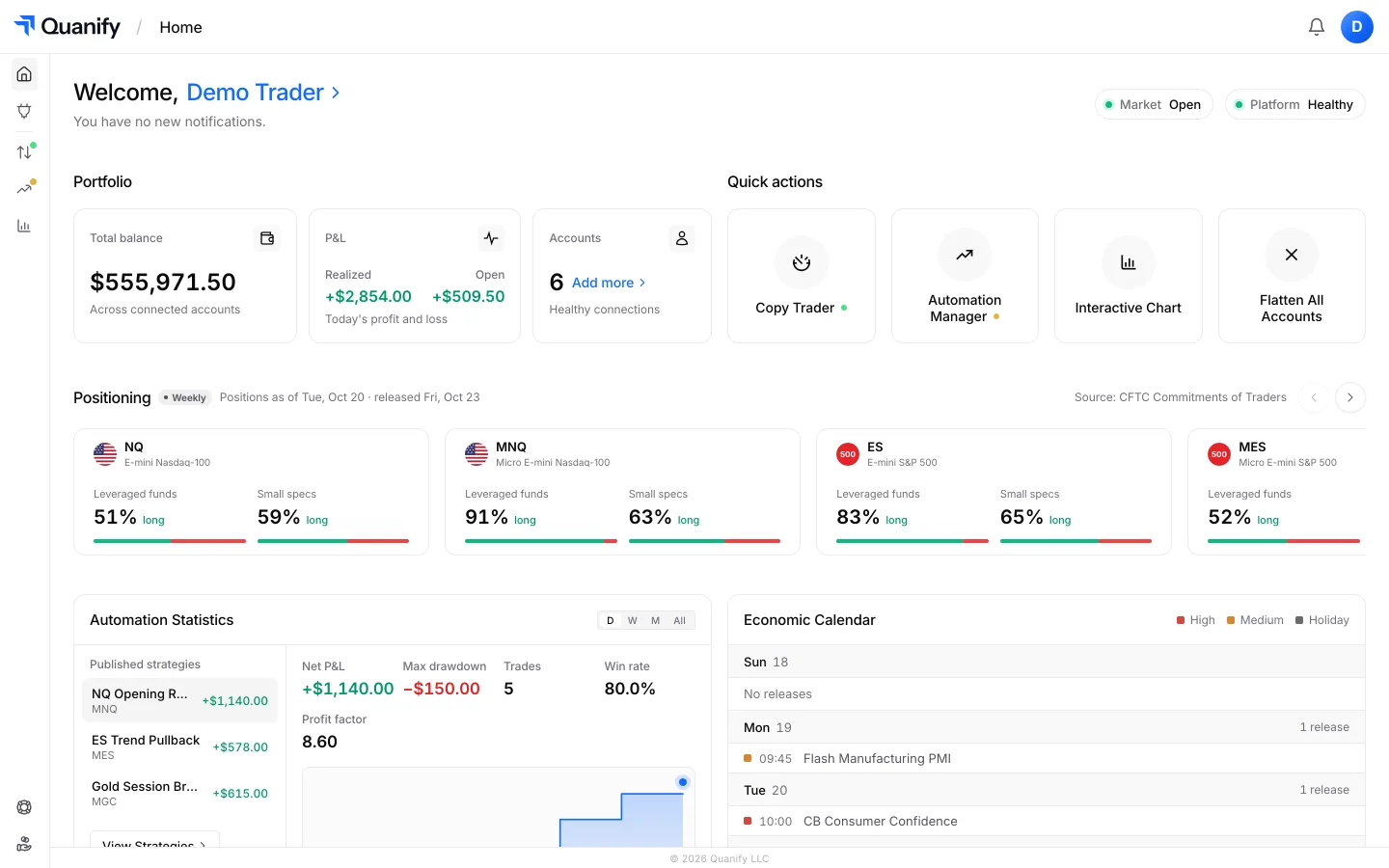
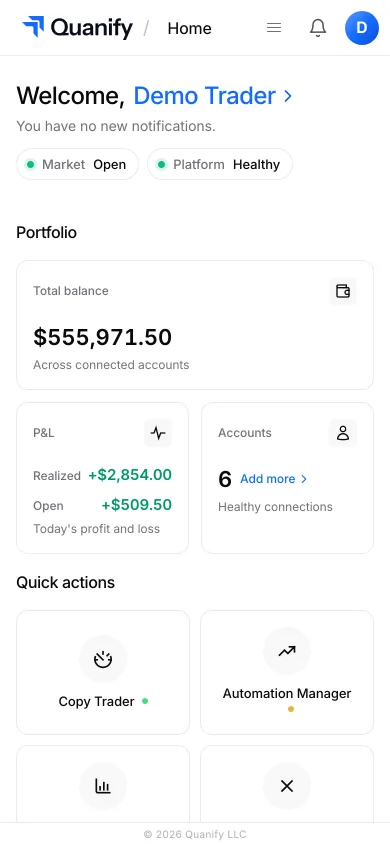
Check PnL, account status, and your connected setup from desktop or mobile, wherever you are.
The all-in-one trading platform for futures.
Copy trading, automation, risk limits and the journal, under one sign-in.