MyFundedFutures trade copier: copy across your MFFU accounts
MFFU lets you hold several sim funded accounts at once, and its help center allows copy trading across account types. Here is how copying works there, which rules still bite, and where Quanify fits.
Quanify connects to Tradovate today. If your MFFU account trades through a Tradovate login, it can lead or follow now. MFFU accounts on any other platform can't be reached yet.
How copying works at MyFundedFutures
MFFU's help center says copy trading is allowed across all account types. It names Tradesyncer as its preferred copier partner, points Tradovate users at the built-in group copier, and says external copiers can be used with your accounts too. Staying inside the terms stays your job.
A copier watches one leader account. When the leader fills, every follower you switched on gets its own order at its own whole-number multiplier, so a 50K Rapid account and a 150K account don't have to trade the same count off one fill.
- Copy your own accounts, never another trader's
- Each follower sized on its own before the order is sent
- Partial fills copied as partials
- Mute one account and the rest keep copying
MFFU rules that touch copying
As of November 2026, taken from MFFU's help center and its own blog. Plans change often, so check your contract and the firm's current rulebook before you arm a group.
- Copy trading
- Allowed across all account types, per the help center article on copy trading at MyFundedFutures
- Whose accounts
- Your own. Copying other traders and sharing devices are covered in MFFU's fair play rules, so read that section before you link anything
- Platforms listed
- Tradovate, NinjaTrader, TradingView, Quantower, Volumetrica, ATAS, DeepChart and Hyperprop
- Account caps
- MFFU's pages give five sim funded accounts at 25K and 50K and three at 100K and 150K, while the Rapid EOD page lists three. Confirm for your plan
- Consistency
- 30% on Rapid EOD evaluations and 50% on Rapid intraday and Pro. Going over means trading more days, not a breach
- Drawdown
- Intraday trailing on Rapid, end of day on Rapid EOD
- Order counts
- A copier multiplies your order count by the number of followers. Check whether your plan limits orders per day
Set it up on Quanify
The setup is the same on a sim account, an evaluation and a sim funded account, so test before anything that pays out.
- 01
Connect Tradovate
Sign in over OAuth. Every MFFU account under that login shows up on its own.
- 02
Pick the leader
Choose the account you actually watch and trade. Usually that's the one with the most room to its max loss.
- 03
Set multipliers
Switch followers on one by one and give each a whole number. New followers start disabled.
- 04
Test on sim
Run real sessions on a Quanify Paper or evaluation account and check partial fills land at the right size everywhere.
- 05
Arm the group
Turn Power on. The trader only shows as armed once the engine confirms every link.
Copier or manual re-entry across MFFU accounts
Three accounts by hand means three tickets at three sizes while price moves. A copier turns that into one ticket.
| Cloud copier (Quanify) | Manual re-entry | |
|---|---|---|
| Tickets per trade | One, on the leader | One per account |
| Time to the last account | Usually 50 to 200 ms after the leader fills | Seconds, longer in a fast market |
| Size per account | Whole-number multiplier, set once | Typed every time |
| Exits | Sized to what each follower holds | Closed account by account |
| Laptop shut | Keeps copying | Nothing gets placed |
| One bad entry reaches every account | Yes, within the same second | Only the ones you got to |
A copier removes the typing, not the risk. It repeats good and bad trades alike.
One position, held three times
Copying doesn't spread risk. Three MFFU accounts following one leader hold one idea three times, so a bad day lands on all of them in the same minutes. If each account sits close to its max loss, one stop run can end every account at once.
Size the followers so the worst case still fits inside each account's drawdown. Quanify does not track MFFU's limits: it has no daily loss cap and no per-account caps. What it gives you is per-account sizing, the Allow 2+ entries guard that refuses an add to a position you already hold, Mute for any single account, and a kill switch that flattens the group.
Intraday trailing drawdown on Rapid moves with open profit, so a winner that gives back can tighten every follower's limit together. Leave those accounts more room than you would on an end of day plan, and run the numbers in the consistency calculator before payout week.
Common questions
Short answers to what traders ask first. Anything else, the Help Center has it.
Does MyFundedFutures allow trade copiers?
MFFU's help center says copy trading is allowed across all account types and that external copiers can be used alongside its preferred partner, as of November 2026. Copying between different traders is a separate question covered by the fair play rules, so check your contract and the firm's current rulebook.
Does Quanify work with MFFU accounts?
With MFFU accounts that trade through a Tradovate login, yes. Quanify connects to Tradovate over OAuth and every account on that login is addressable on its own. Quanify doesn't connect to other platforms yet.
How many MFFU accounts can I copy to?
As many as MFFU lets you hold and your Copy Trader plan covers. MFFU's own pages put the sim funded cap at three or five depending on plan and size, so confirm the number for yours.
Can I size each MFFU account differently?
Yes. Each follower has its own whole-number multiplier, applied before the order is sent. There is no 0.5x, because contracts can't be split.
Will Quanify keep me inside MFFU's consistency rule?
No. Every follower trades the same days as the leader, so a big day on the leader is a big day everywhere. Quanify doesn't track MFFU's consistency or drawdown limits.
Do I need a VPS or a desktop copier?
No. The Tradovate session runs on Quanify's servers, so copies continue with your machine off.
More on prop firm accounts
Keep your setup in reach.
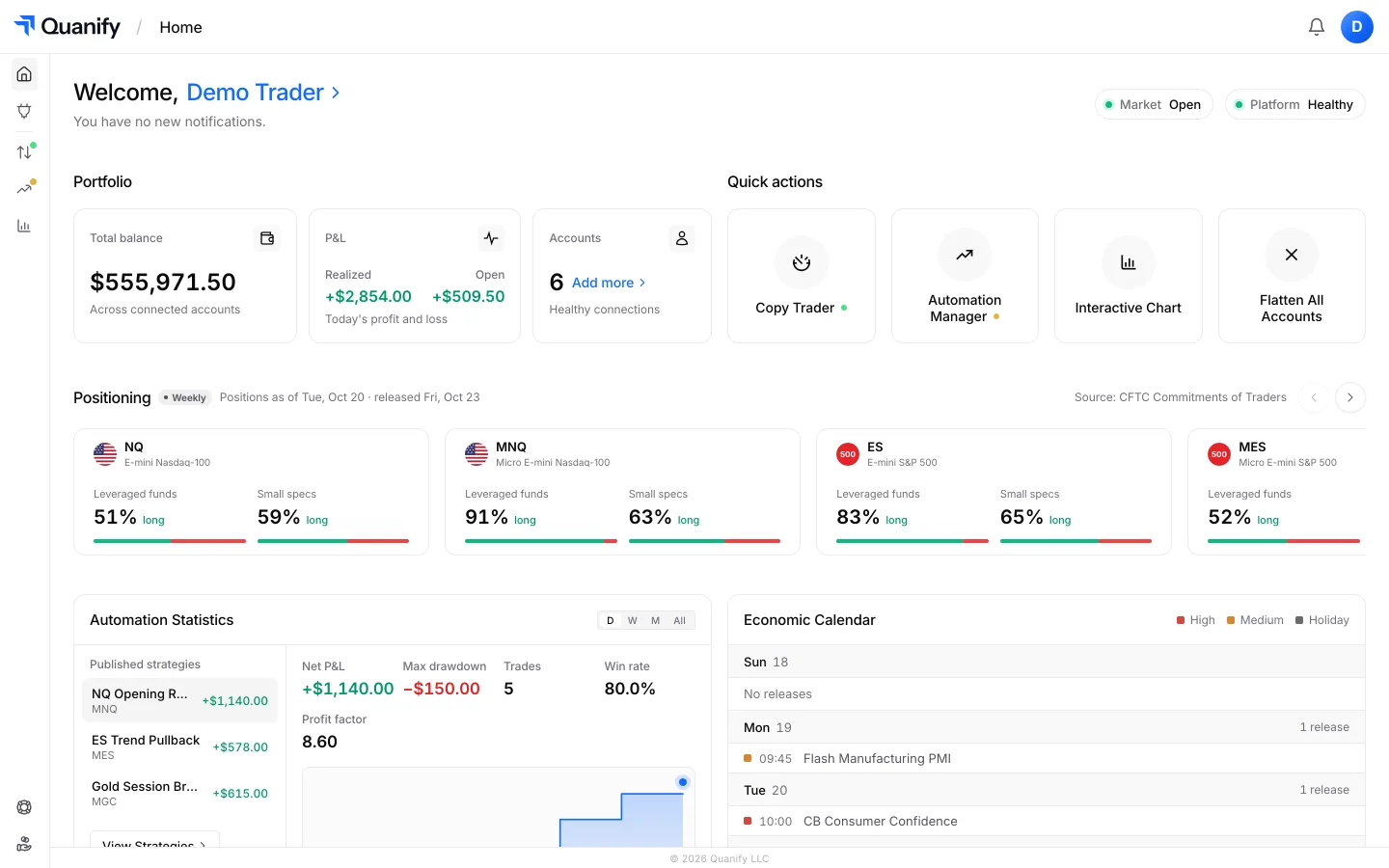
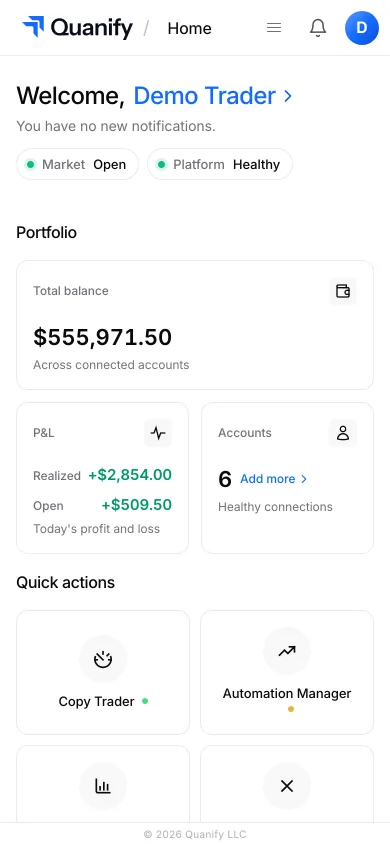
Check PnL, account status, and your connected setup from desktop or mobile, wherever you are.
The all-in-one trading platform for futures.
Copy trading, automation, risk limits and the journal, under one sign-in.