PickMyTrade alternative: TradingView to broker, compared
PickMyTrade turns TradingView alerts into broker orders. Quanify copies a leader account across your others today and routes the same kind of alerts once Automation opens. Here is where they overlap and where they don't.
Quanify and PickMyTrade side by side
Quanify's column is the live product. PickMyTrade's column comes from its public site as of November 2026.
| Quanify | PickMyTrade | |
|---|---|---|
| Main job | Copy a leader account to followers; webhook automation opens soon | TradingView and TrendSpider alerts to broker orders |
| Available today | Copy Trader is live; Automation opens soon | Live |
| Brokers | Tradovate today; TopstepX next; NinjaTrader and Rithmic on the roadmap | Tradovate, Rithmic, Interactive Brokers, TradeStation, ProjectX and others, some in beta |
| Several broker logins | Followers counted per account, across logins | Unlimited sub-accounts per login; another login needs its own subscription |
| Per-account size | Whole-number multiplier per account | Ask how each account is sized |
| Scale-in or flip | The alert states the position afterwards, so the two can't be confused | Ask how a reversal is sized |
| Install or VPS | None | Cloud option listed; VPS partners offered |
| Price | Coming soon | $50 a month, $135 a quarter or $500 a year (as of November 2026) |
PickMyTrade's brokers, plans and promotions change. Check its current site before you decide.
Where PickMyTrade is the better fit today
If you need TradingView alerts placing orders this week, PickMyTrade does that now and Quanify's Automation plans have not opened yet. If your account is at Rithmic, Interactive Brokers, TradeStation or a ProjectX firm, PickMyTrade lists a connection and Quanify does not have one live.
Quanify is Tradovate today, with TopstepX followers next. Be honest with yourself about where your accounts are before comparing anything else.
Where Quanify pulls ahead is copying. PickMyTrade counts unlimited sub-accounts under one connected login and asks for another subscription for a second login. Quanify counts followers per account, so evaluation accounts spread across several Tradovate logins sit under one leader on one plan, each at its own size.
One alert, sized per account
Each Quanify strategy gets its own webhook URL, and the Webhook Setup panel writes the alert message from the strategy's settings. The alert's contract count applies unless the strategy has a fixed size, then each linked account applies its own whole-number multiplier. One alert can trade 2 contracts on one account and 6 on another.
- Accepts TradingView's
text/plainas sent market_positiontells a flip from a scale-in- Identical alerts inside 2 seconds are dropped
POST https://trade.quanify.pro/api/webhooks/<your-token>

{
  "action": "{{strategy.order.action}}",
  "ticker": "{{ticker}}",
  "contracts": "{{strategy.order.contracts}}",
  "price": "{{strategy.order.price}}",
  "market_position": "{{strategy.market_position}}",
  "time": "{{timenow}}"
}
Questions to put to any alert bridge
Every webhook bridge takes a TradingView alert in and sends an order out. The differences show up on the alerts you didn't plan for. Ask what happens when TradingView delivers the same alert twice, when an alert arrives a minute late, and when a strategy flips from long to short in one order.
Ask what turns on by itself. On Quanify, new accounts and followers start disabled, a strategy that is powered off places nothing, and a trader only shows as armed once the engine confirms every link. Ask, too, what the bridge does to an open position when your subscription ends. Quanify never flattens for you; new orders stop and positions stay at your broker.
Finally, ask what the response tells TradingView. Quanify answers a signal with no armed account as accepted, with a note, because an error there makes TradingView mark the alert failed and eventually throttle it.
What Quanify checks before an order goes out
Each check runs per signal and per account. Every refusal shows its reason.
- Adding to a position
- With Allow 2+ entries off, the default, a same-direction add is refused. Exits always pass.
- Stale signals
- A signal older than 30 seconds is refused instead of filled late.
- Powered off
- A strategy that is off answers 403 and places nothing. Nothing powers itself on.
- Muted accounts
- Mute one account and the alert still trades the others.
- Copying on the same connection
- An account can follow a copy leader or take strategy signals without a second setup.
- Positions on cancellation
- Quanify never flattens for you. New orders stop and open positions stay at the broker.
Who each one fits
- Need alert automation live today
- PickMyTrade; Quanify Automation opens soon
- Accounts at Rithmic, IBKR or TradeStation
- PickMyTrade; Quanify has Rithmic on the roadmap
- Tradovate accounts on several logins
- Quanify counts followers per account, not per login
- Copy a hand-traded leader to every account
- Quanify Copy Trader, live today
- Nothing to install or keep awake
- Quanify; PickMyTrade lists a cloud option too
Common questions
Short answers to what traders ask first. Anything else, the Help Center has it.
Is Quanify's TradingView automation available now?
Not yet. Automation plans open soon and include Copy Trader Pro. Copy Trader, which copies a leader account to your followers, is live today.
Which brokers can Quanify route to?
Tradovate today, plus Quanify Paper accounts. TopstepX is next, as followers on a Tradovate leader. NinjaTrader and Rithmic are on the roadmap.
Can one TradingView alert trade several accounts at different sizes?
Yes. The alert carries a contract count, or the strategy fixes one, and each linked account applies its own whole-number multiplier.
Do I need a VPS?
No. The engine runs on Quanify's servers, so alerts route and copies land with your machine off.
Can I drive Quanify from Python instead of TradingView?
Yes, once Automation opens. The endpoint takes a plain HTTP POST with the same JSON fields, so any script or server can send it.
How much does Quanify cost?
Pricing is coming soon. PickMyTrade listed $50 a month, $135 a quarter or $500 a year as of November 2026.
More on alternatives
Keep your setup in reach.
Check PnL, account status, and your connected setup from desktop or mobile, wherever you are.
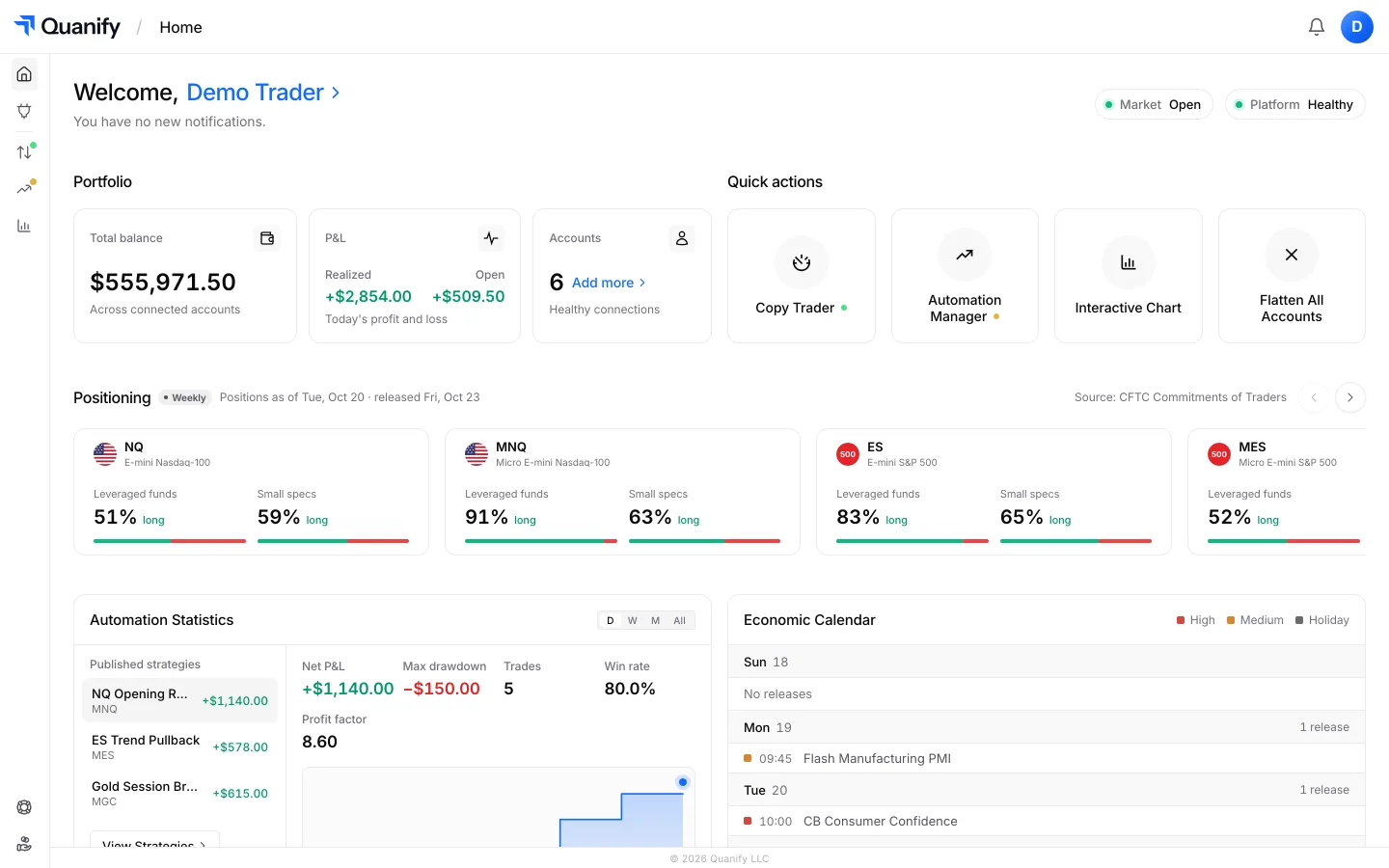
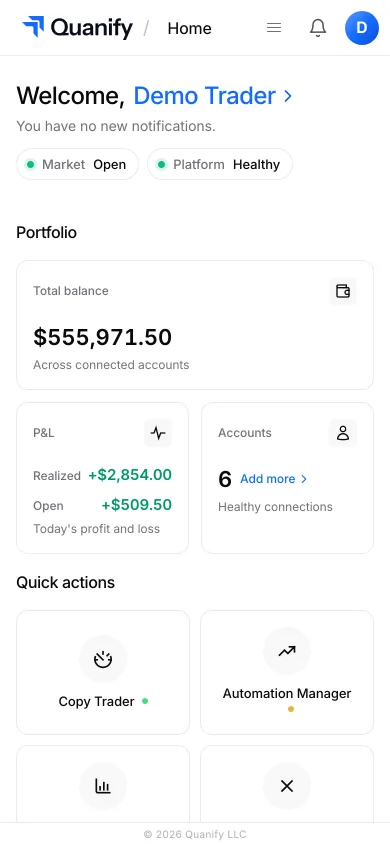
The all-in-one trading platform for futures.
Copy trading, automation, risk limits and the journal, under one sign-in.